Separate learner charts
Each learner gets their own simulated chart. Classmates can't open it; it stays in the assigning instructor's workspace for review.
EMRDesk Education
Learners chart simulated patients in the same EMRDesk chart clinics use. Build a case once, assign it to your course, and review and score every submission.
Instructors free too · Sign up with a .edu email
Objectives, critical actions, prebrief, and debrief prompts. Save it as a template to edit, duplicate, or archive.
Share a single-course enrollment link. Every learner gets their own simulated chart, even if they join late.
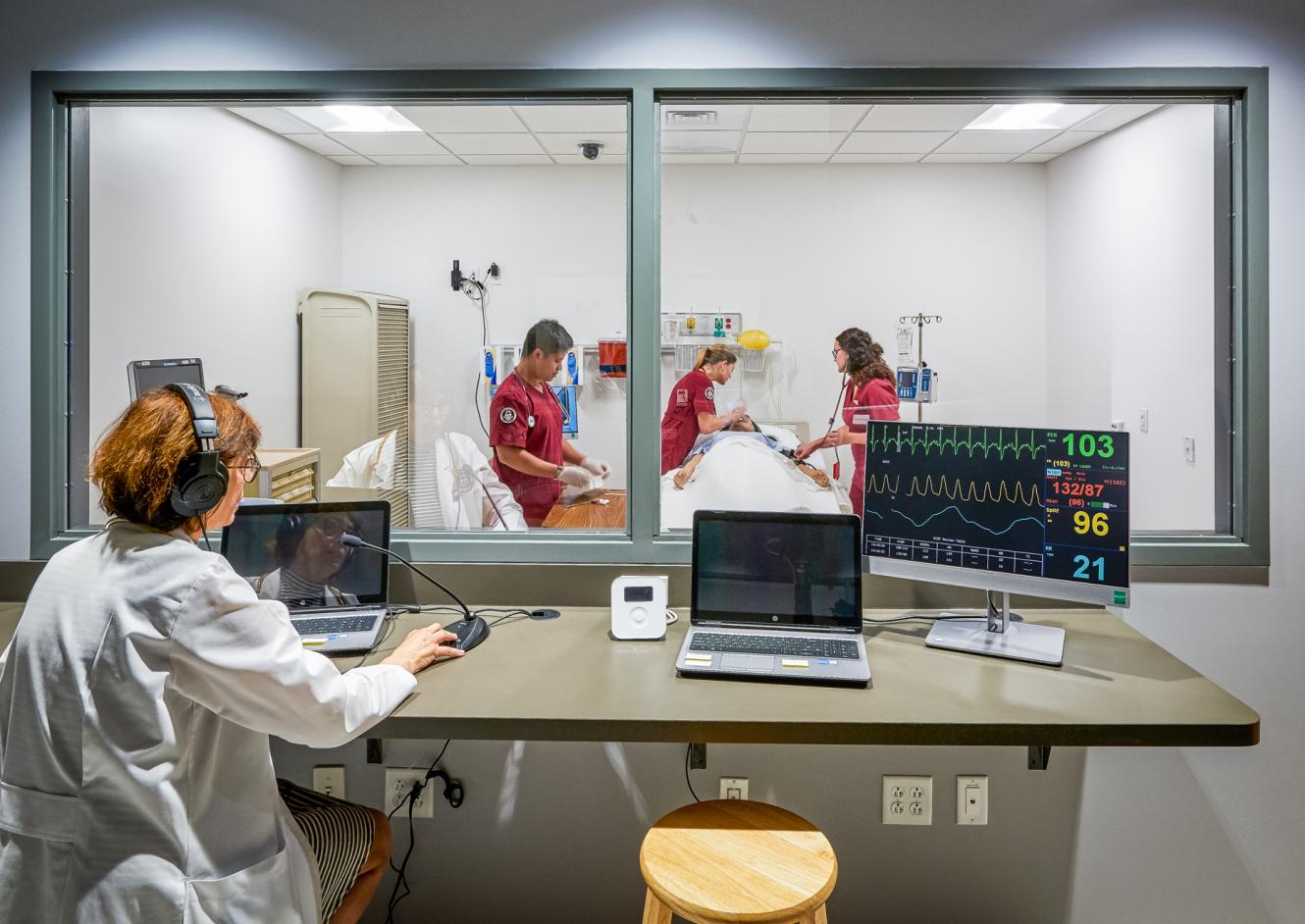
Learners document in the EMRDesk patient chart and send lab, imaging, medication, nursing, and consult orders to a live faculty board.
Mark each critical action, add a score and comments, and return the work. Submitting locks the learner's response, and feedback stays with it.
Free and private
Students and instructors start free. Every assignment chart is a simulated patient, and classmates can't open each other's work.
Each learner gets their own simulated chart. Classmates can't open it; it stays in the assigning instructor's workspace for review.
Every chart assignment opens a simulated patient. Learners never see the instructor's other patient records.
Student accounts can draft, export, and print claims. Electronic payer submission stays off.
Classroom
Mix simulated patient charts with exams and essays in the same course, then filter every submission by type and status.
A private simulated patient in the EMRDesk chart, with order entry you can switch on per assignment.
Questions with points and expected answers, a passing score, and form blocks for checklists and signatures.
A prompt, guidance, and a rubric in a rich-text editor, with starter text and a word limit.
Yes. Students and instructors can create a free EMRDesk Education account. Departments and simulation centers can request institutional packaging.
No. Learners chart on simulated patients, and each learner gets a private chart workspace for every patient chart assignment.
Yes. Training mode supports charting, coding, and billing practice without live payer submission or payment handling.
Create an account with a .edu email, then open the enrollment link from the instructor. That adds the student to the roster and opens the course assignments.
Essays, exams, and simulated patient charts, with comments and score notes attached to each submission.
Get started
Students and instructors start free with a .edu email. Programs and simulation centers can plan a rollout with our team.
Students and instructors
Create an account, then join your course with the link your instructor sends.
Create free accountPrograms and simulation centers
Share your cohort size and timeline, and we'll scope the right package.