
EMRDesk for Dental
Chart teeth. Review X-rays. Send claims.
Made for the next generation of dentists.
What EMRDesk is
One place for the visit, the chart, and the claim.
Bring front desk, clinical work, billing, and follow-up into one operational record, so every team member can see what happened and what needs to happen next.
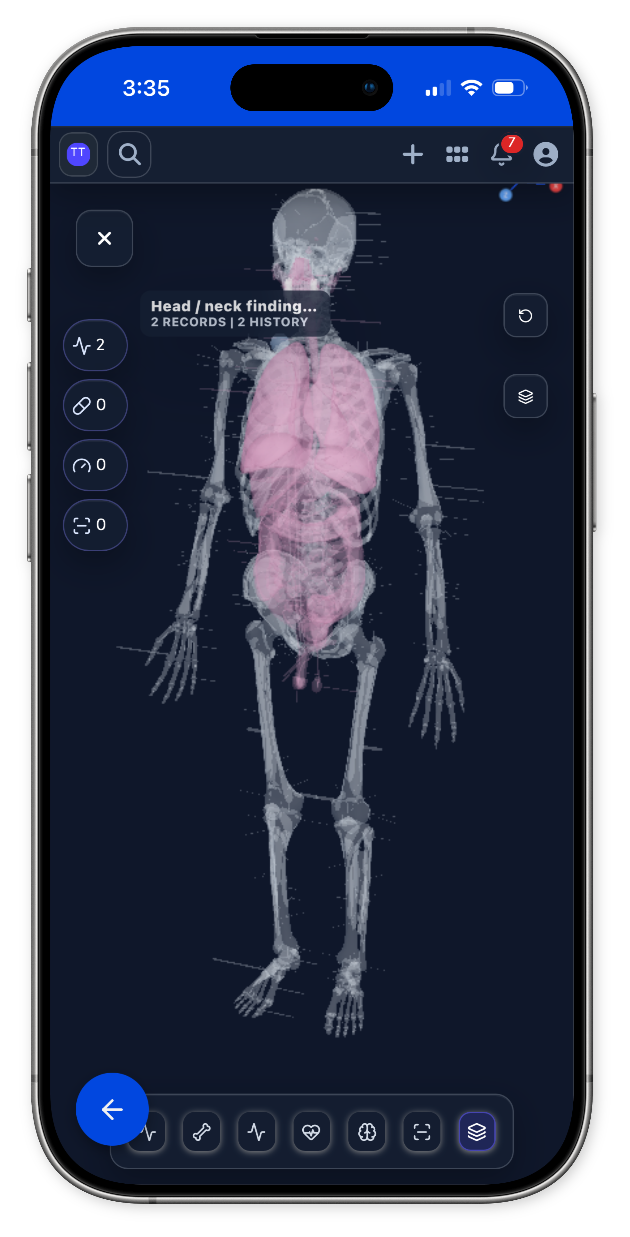
Anatomy-first specialty charting
One system
Chart anatomy, notes, and codes together.
Findings, notes, ICD codes, and CDT codes stay on the chart.
Radiograph review
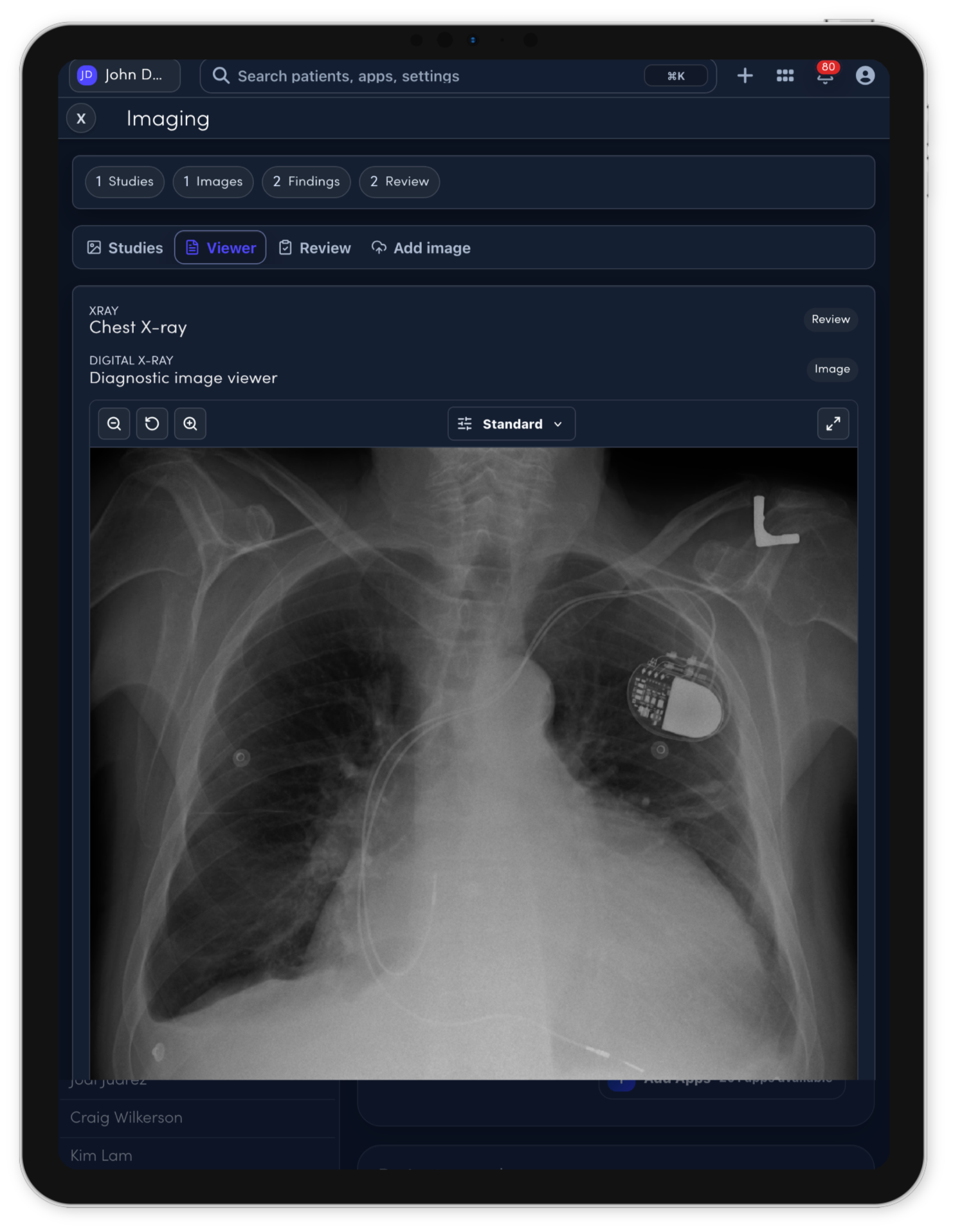
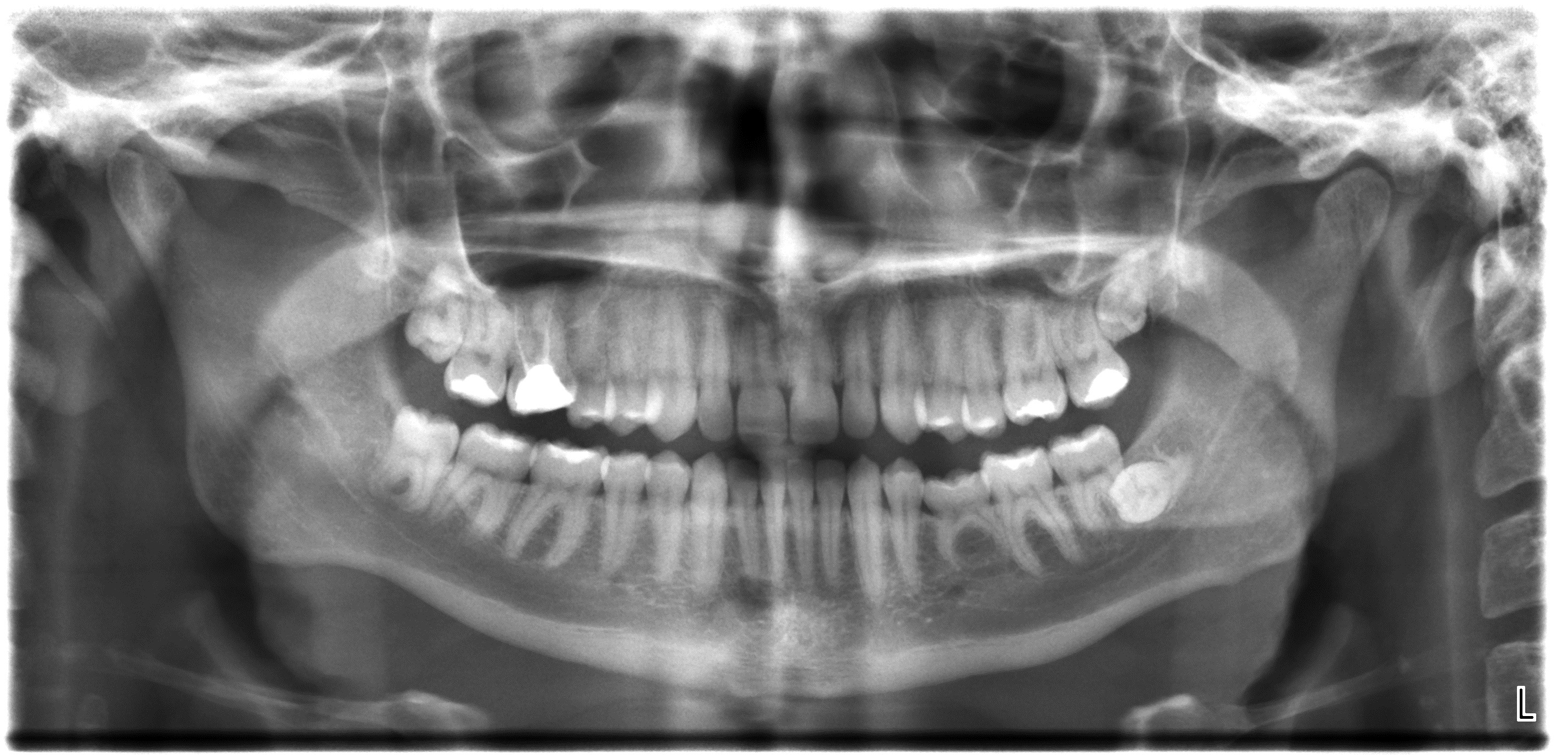
Review X-rays where the treatment plan starts.
A public demo view of the real radiograph workspace: an uploaded image, AI-assisted candidate findings, and clinician review context in one place.
What EMRDesk does
Start your dental practice today.
EMRDesk helps dental teams move from intake to odontogram, radiograph review, treatment planning, billing, and follow-up without rebuilding the same clinical context in separate tools.
01
Prepare the visit before the patient sits down.
Collect intake, forms, files, prior dental records, and insurance context before the team starts charting.
IntakeFormsRecords
02
Keep charting visual and tooth-specific.
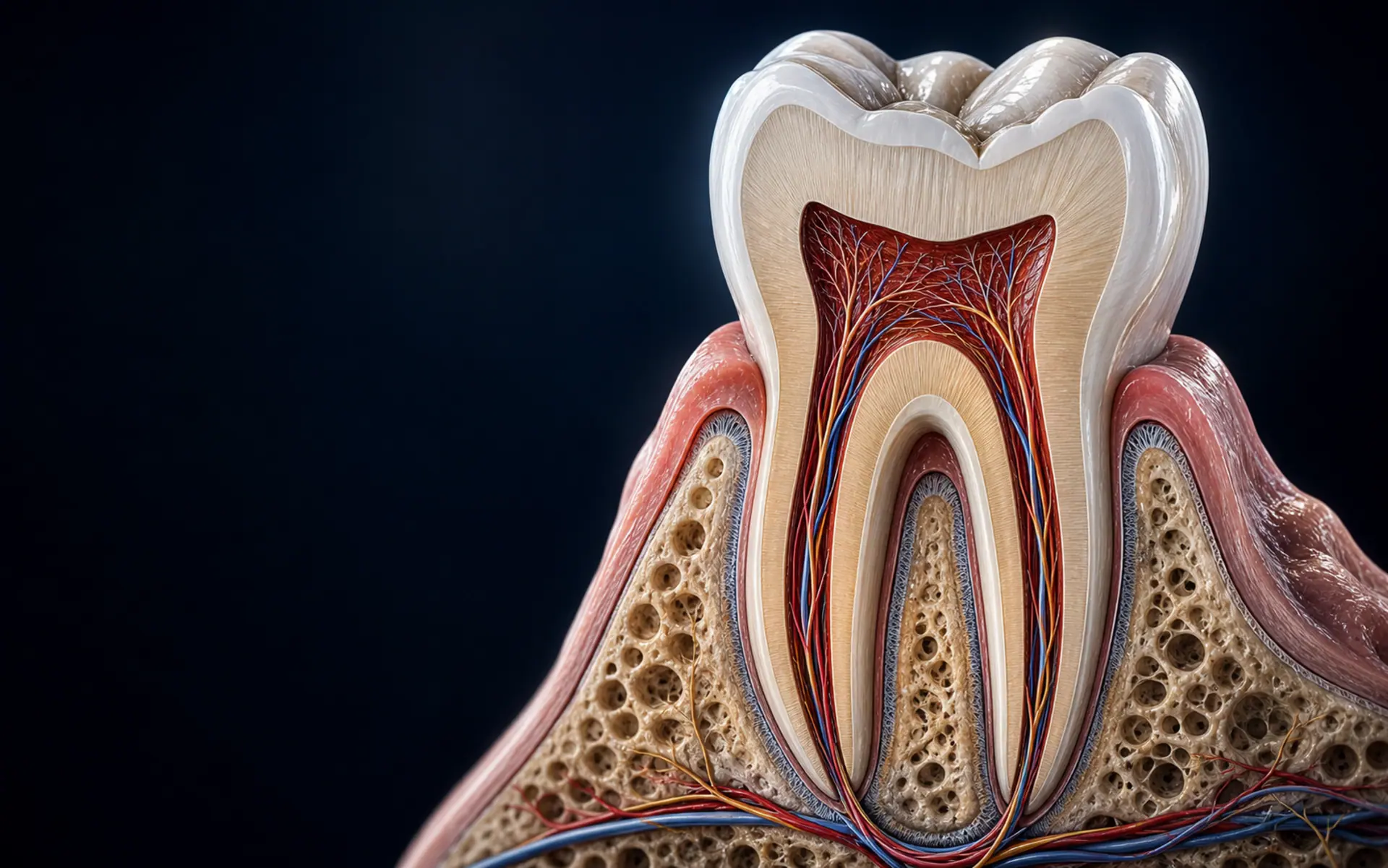
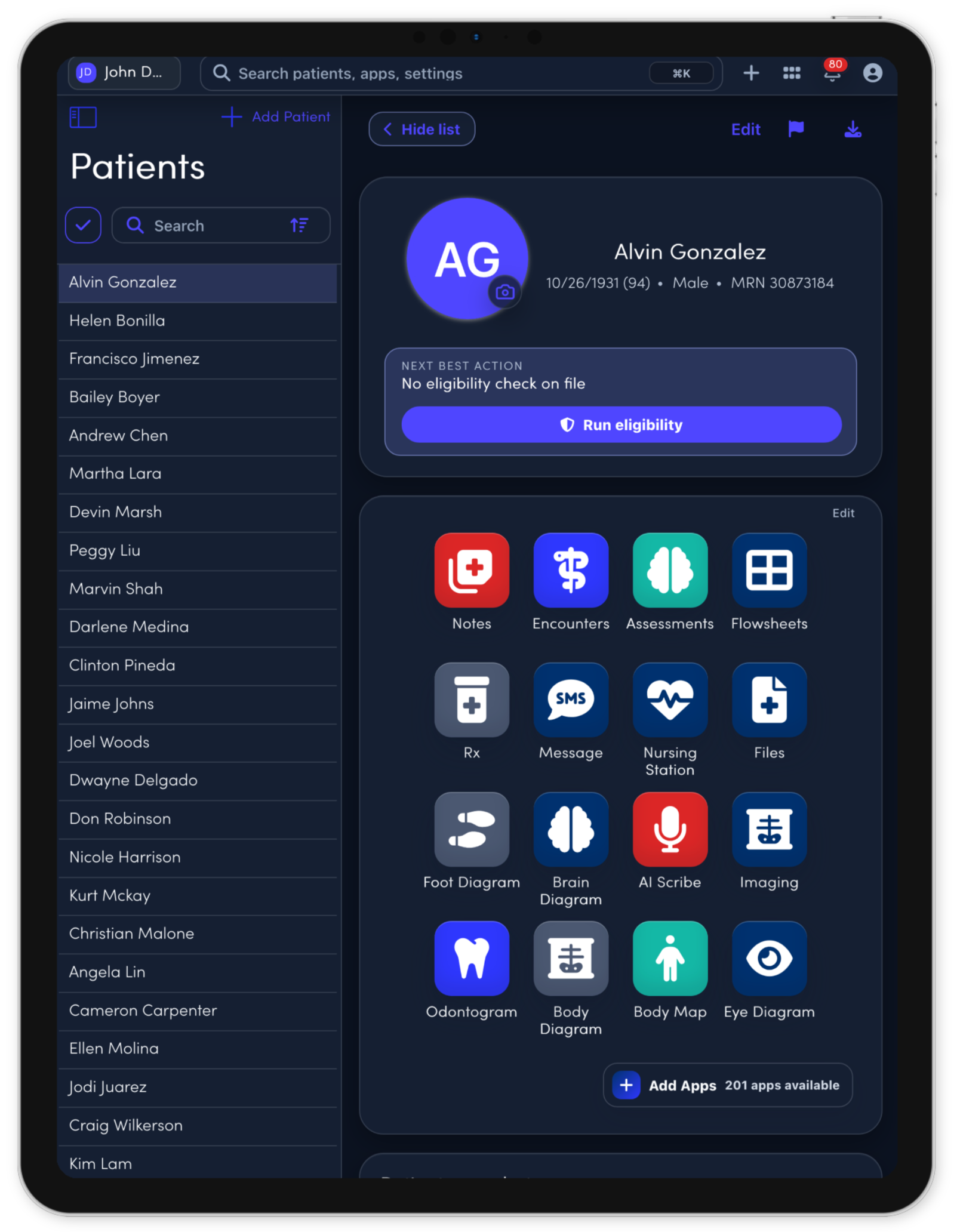
Document odontogram findings, tooth surfaces, restorations, perio context, and visit notes in one dental workspace.
OdontogramPerioSurfaces
03
Review radiographs with clinician control.
Upload radiographs, review AI-assisted candidate findings, and keep clinician review connected to treatment-plan context.
RadiographsAI candidatesReview
04
Move treatment planning into billing handoff.
Carry CDT and fee context, planned procedures, tooth data, claims detail, and follow-up into the next operational step.
CDTTreatment planBilling
Notes Studio
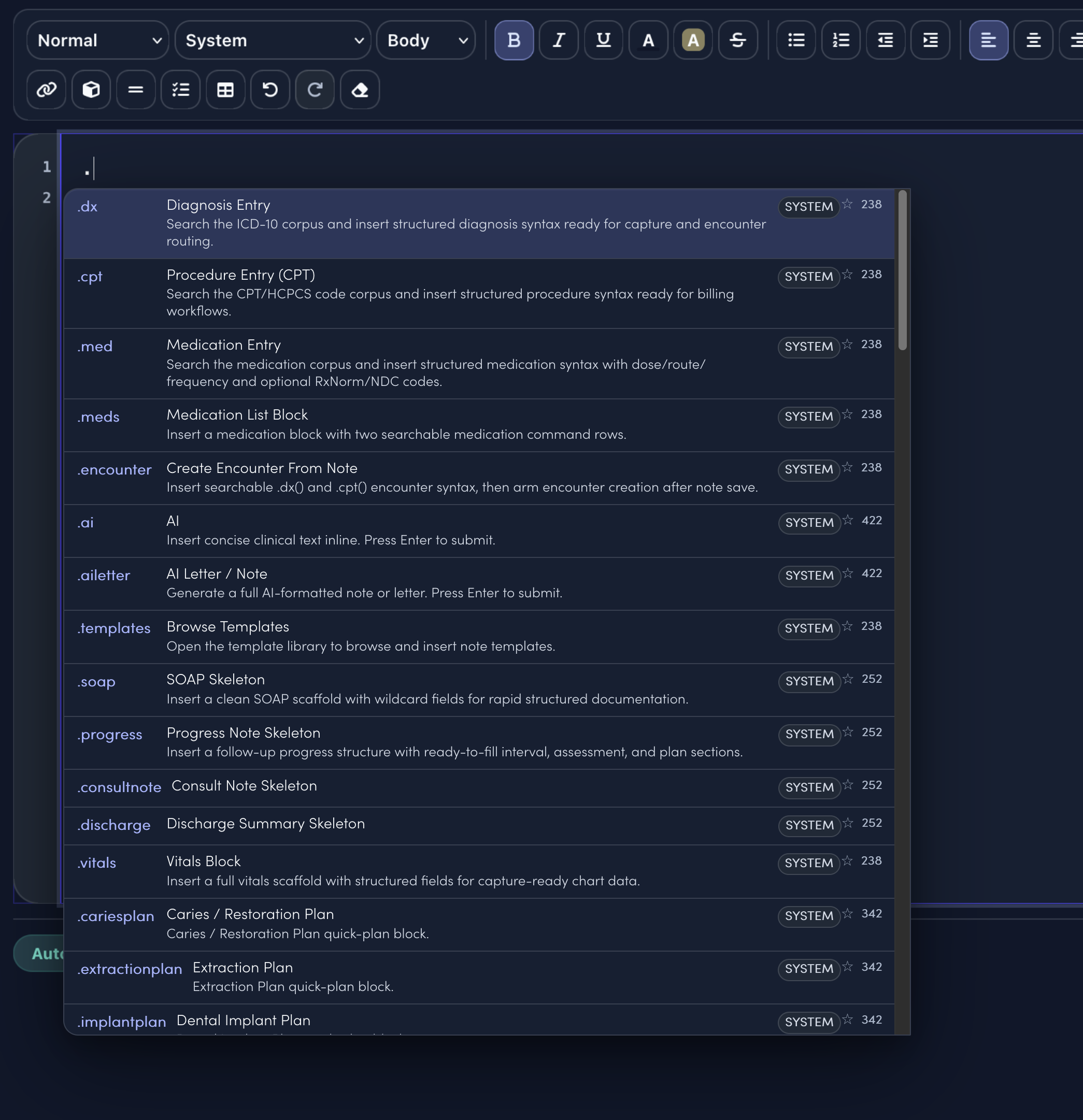
Dot phrases tuned for Dental.
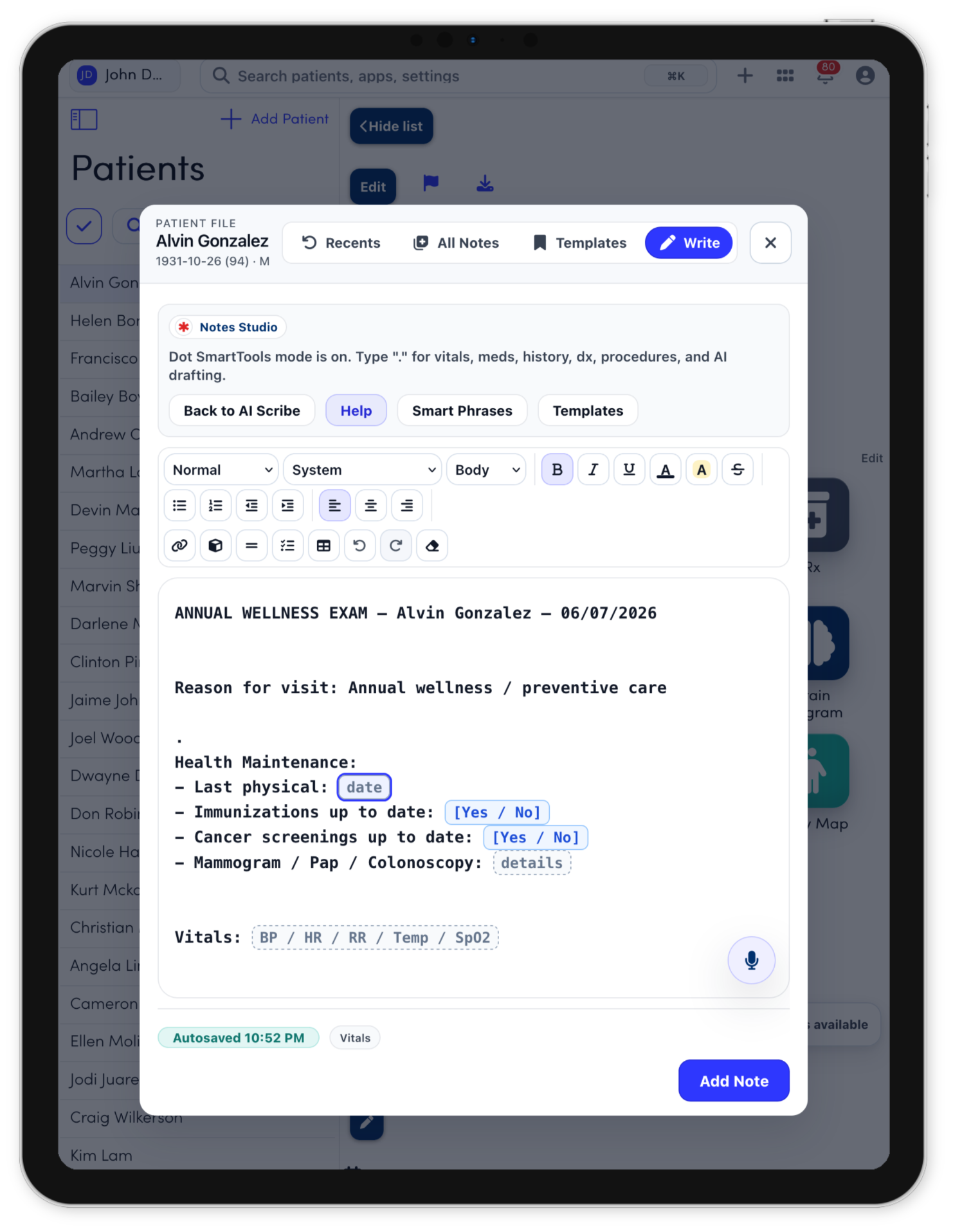
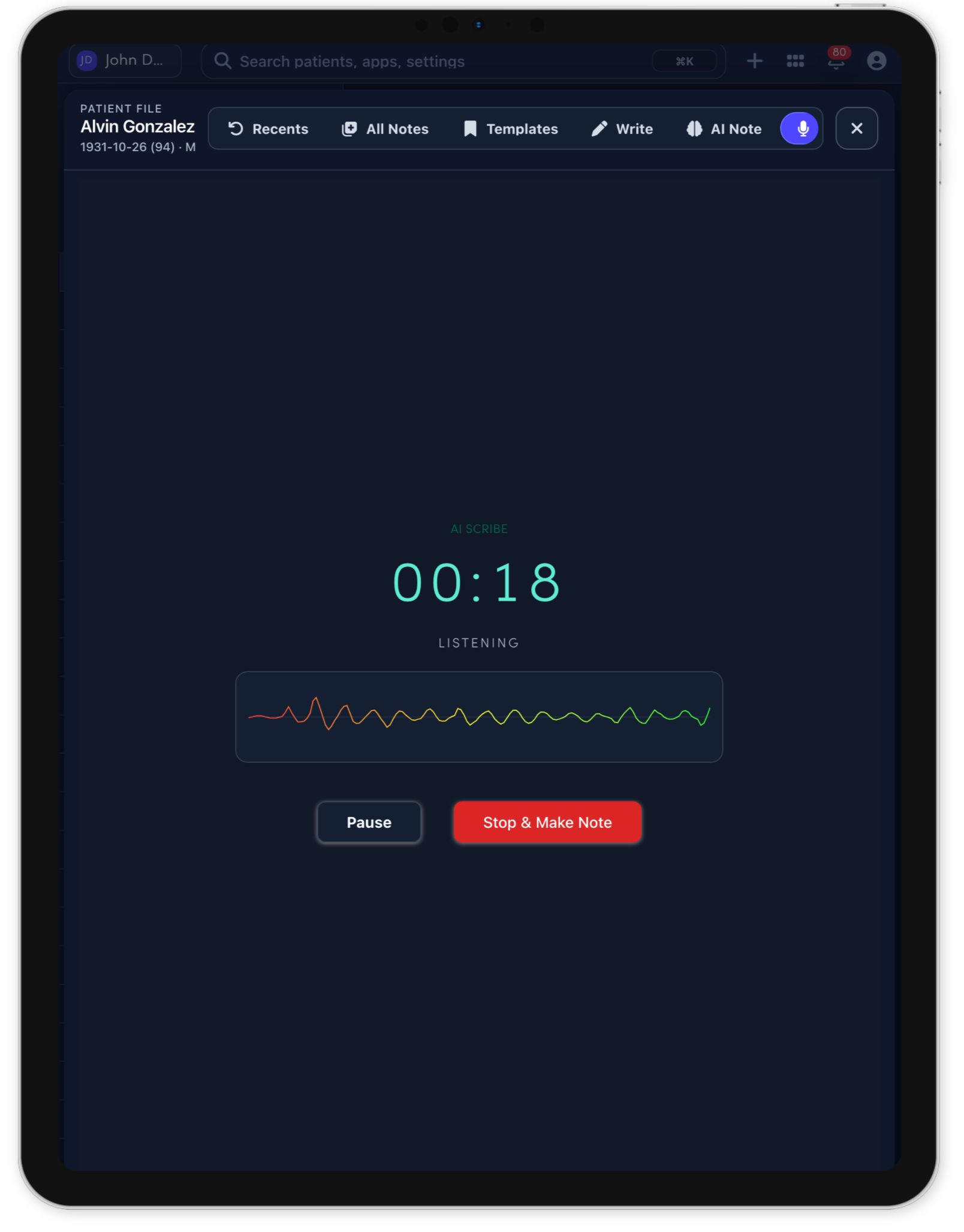
Notes Studio combines smart sentence completion, structured templates, command-style dot phrases, and code search. The specialty menu only surfaces the clinical shortcuts and visit templates that match the selected specialty.
Specialty dot menu11 entries
.cariesplanCaries / Restoration Plan
Caries / Restoration Plan quick-plan block.
.extractionplanExtraction Plan
Reviewed tooth prognosis, pain/infection, radiographs, anticoagulants, medical risk, and patient preference. Discussed extraction risks/benefits, socket care, pain control, replacement options, and follow-up.
.implantplanDental Implant Plan
Reviewed edentulous site, bone quality, occlusion, periodontal status, smoking/diabetes risk, and patient goals. Discussed imaging, grafting/implant options, hygiene, risks/benefits, timeline, and maintenance.
.pedsdentalPediatric Dental Prevention Plan
Reviewed caries risk, diet, brushing/flossing, fluoride exposure, habits, eruption, and caregiver concerns. Discussed fluoride, sealants, hygiene coaching, diet counseling, recall interval, and restorative needs.
.perioplanPeriodontal Care Plan
Periodontal Care Plan quick-plan block.
.tmjplanTMJ / Jaw Pain Plan
Reviewed jaw pain, clicking/locking, bruxism, stress, trauma, bite changes, and headache/ear symptoms. Discussed soft diet, NSAID if appropriate, nightguard, jaw rest/exercises, imaging/referral thresholds, and follow-up.
.toothpainDental Pain Plan
Dental Pain Plan quick-plan block.
.template.hygiene.visit.noteTemplateHygiene visit note
Perio status, plaque/calculus, education, fluoride, treatment, and recall.
.template.extraction.noteTemplateExtraction note
Tooth, indication, anesthesia, technique, complications, hemostasis, and post-op instructions.
.template.implant.consultTemplateImplant consult
Site, bone/soft tissue, imaging, medical risk, timeline, and treatment plan.
.template.post.op.dental.follow.upTemplatePost-op dental follow-up
Pain, swelling, healing, infection signs, hygiene, and next step.
.dxSearch diagnoses and insert structured diagnosis syntax..cptSearch procedures and insert billing-ready procedure syntax..medCompose medication instructions from the note..aiAsk for concise clinical text inline..templatesOpen the full template library..soapDrop in a clean SOAP note scaffold.
Chart. Image. Plan.
Keep odontogram findings, radiographs, perio context, treatment planning, CDT coding, and billing handoff connected to the same patient record.
Explore dental workflowsSpecialty tools
Tools for Dental teams.
Dental teams can keep odontogram findings, CDT procedure context, radiographs, AI-assisted review, treatment planning, records, notes, and billing handoff connected to the same patient workspace.
EMRDesk radiograph workflows are not standalone diagnostic medical-device software. AI-assisted outputs, when available, are candidate review aids and are not diagnoses, treatment decisions, or billable chart entries until a licensed clinician reviews and approves them.
Dental workspaceRadiographs
Selected tool
Radiographs
Upload radiographs, review AI-assisted candidate findings beside notes, odontogram findings, and treatment-plan context, then keep clinician review in the record.
RadiographsCaptureAI-assistedReviewClinician reviewHandoff
RadiographsAI-assistedClinician review
Dental demo
See the dental workflow in motion.
Watch how the odontogram, chart context, imaging, and treatment planning come together inside the dental workspace.