.edabdED Abdominal Pain Discharge Plan
ED Abdominal Pain Discharge Plan quick-plan block.
EMRDesk for Emergency
Give your emergency team one connected place to manage documentation, handoffs, follow-up, and the specialty apps they rely on every day.
What EMRDesk is
Bring front desk, clinical work, billing, and follow-up into one operational record, so every team member can see what happened and what needs to happen next.
Specialty model
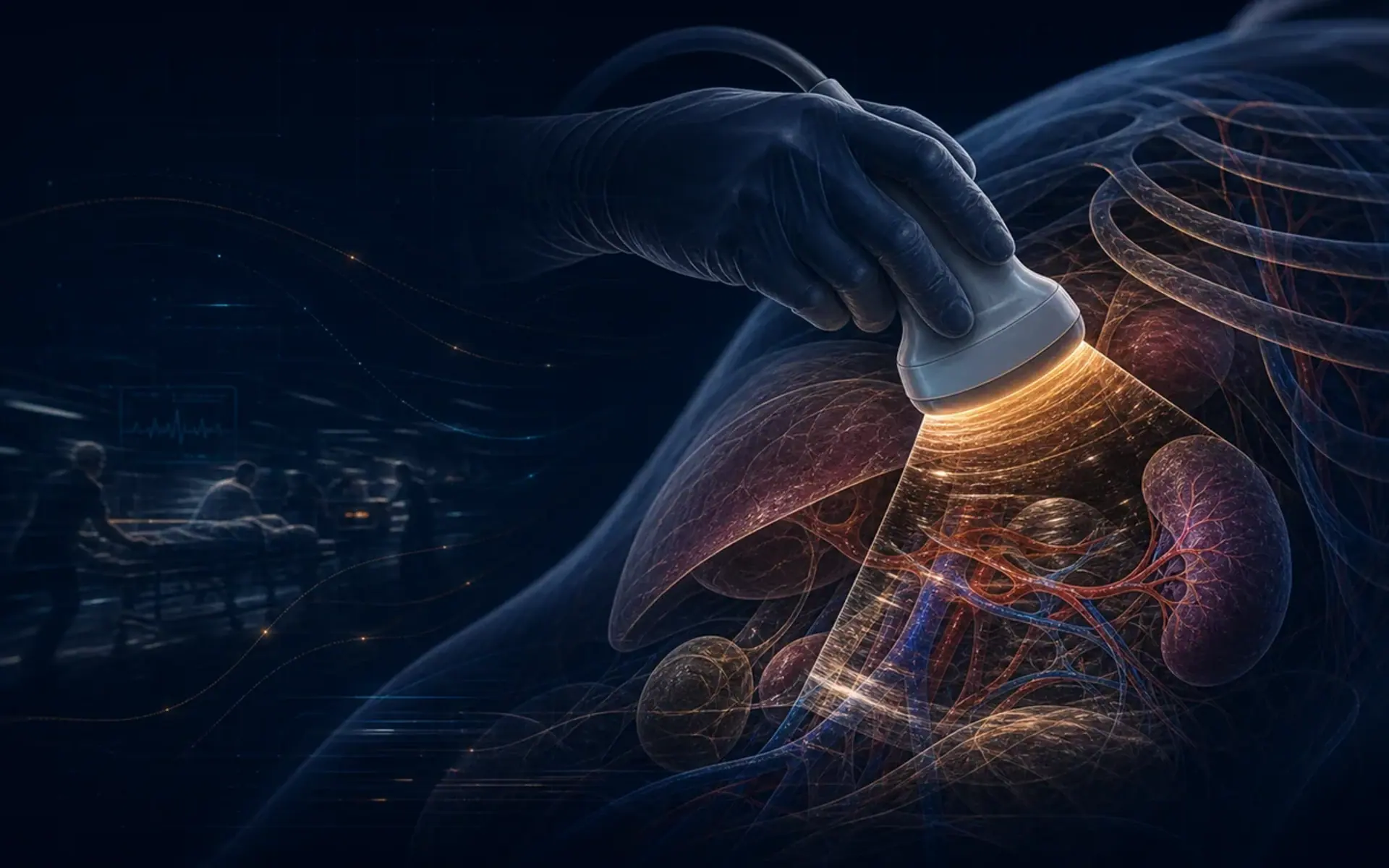
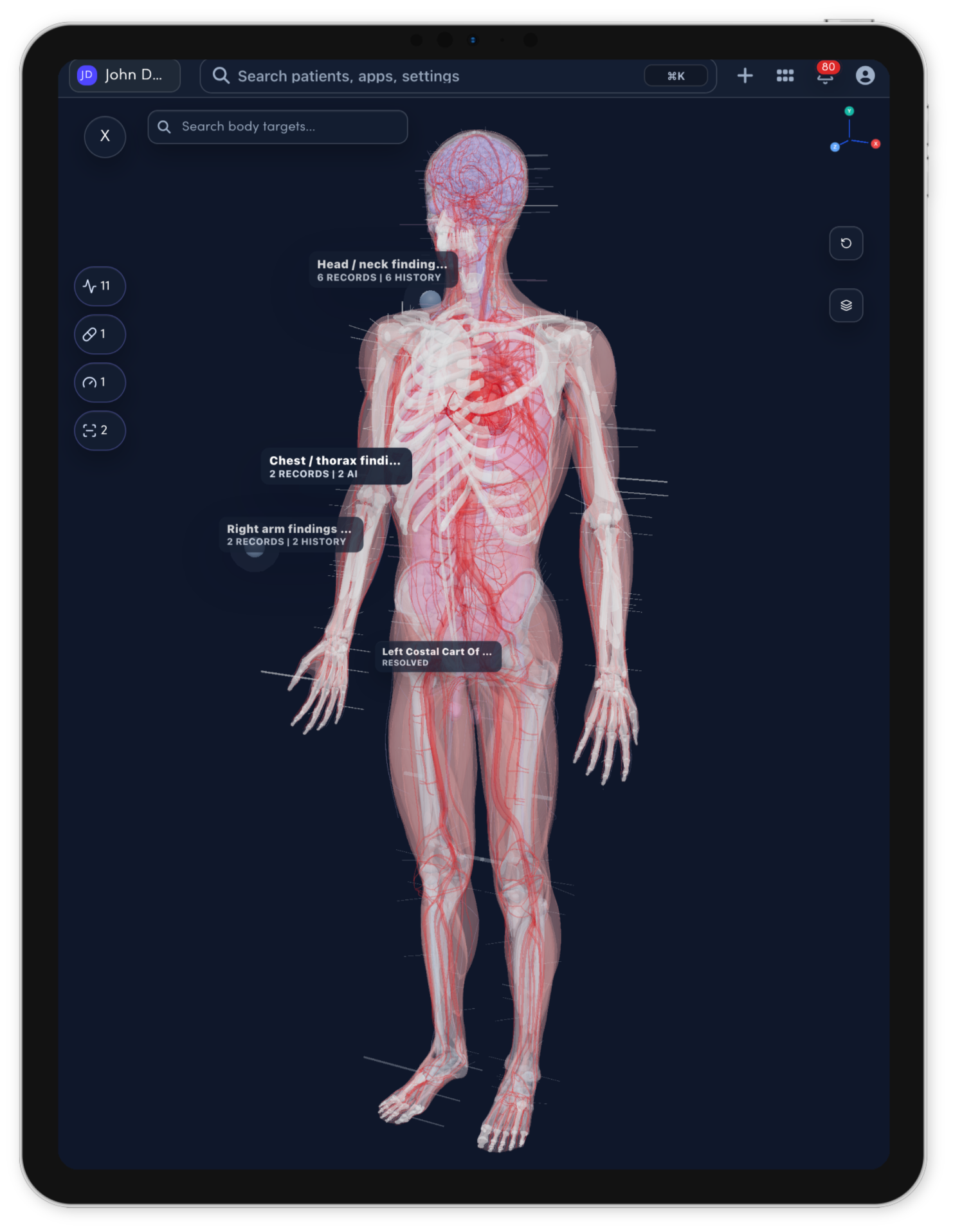
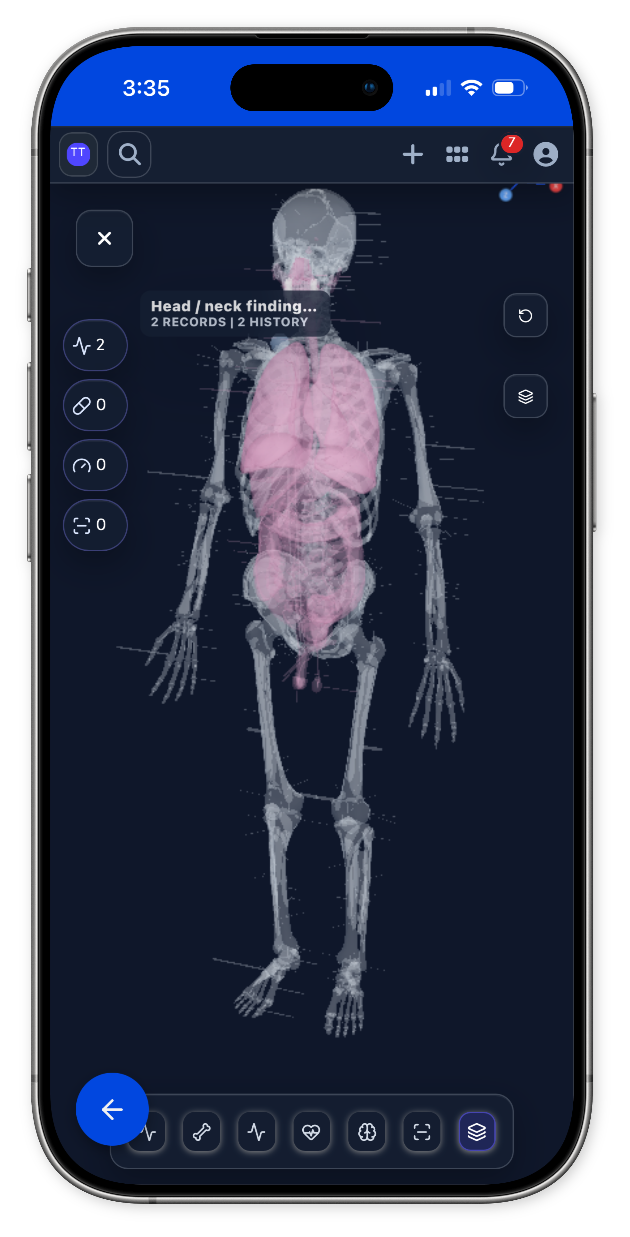
Every specialty page gets a full-width anatomy or imaging model matched to the care team. When there is no dedicated specialty model yet, the shared body map takes over.
Emergency model
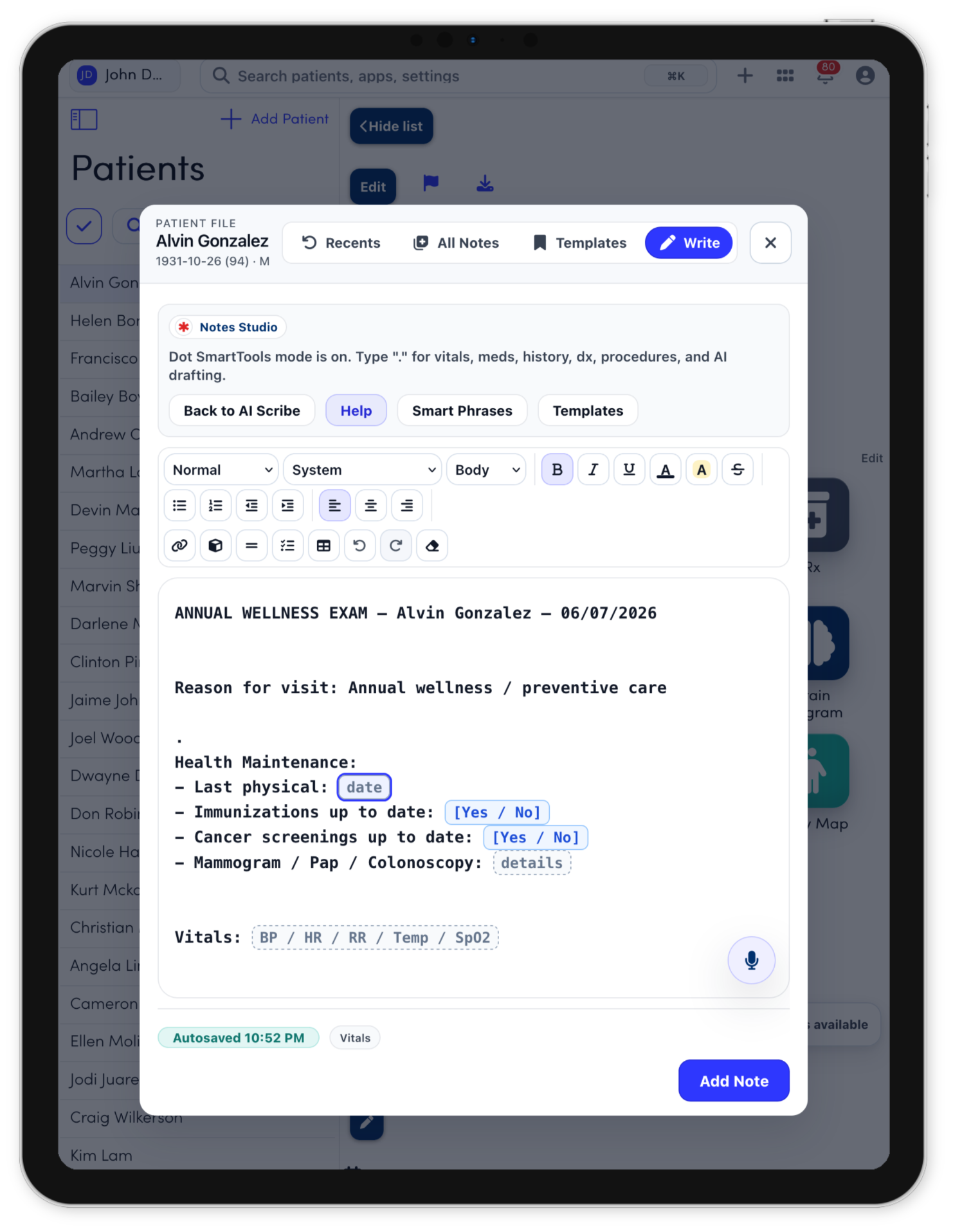
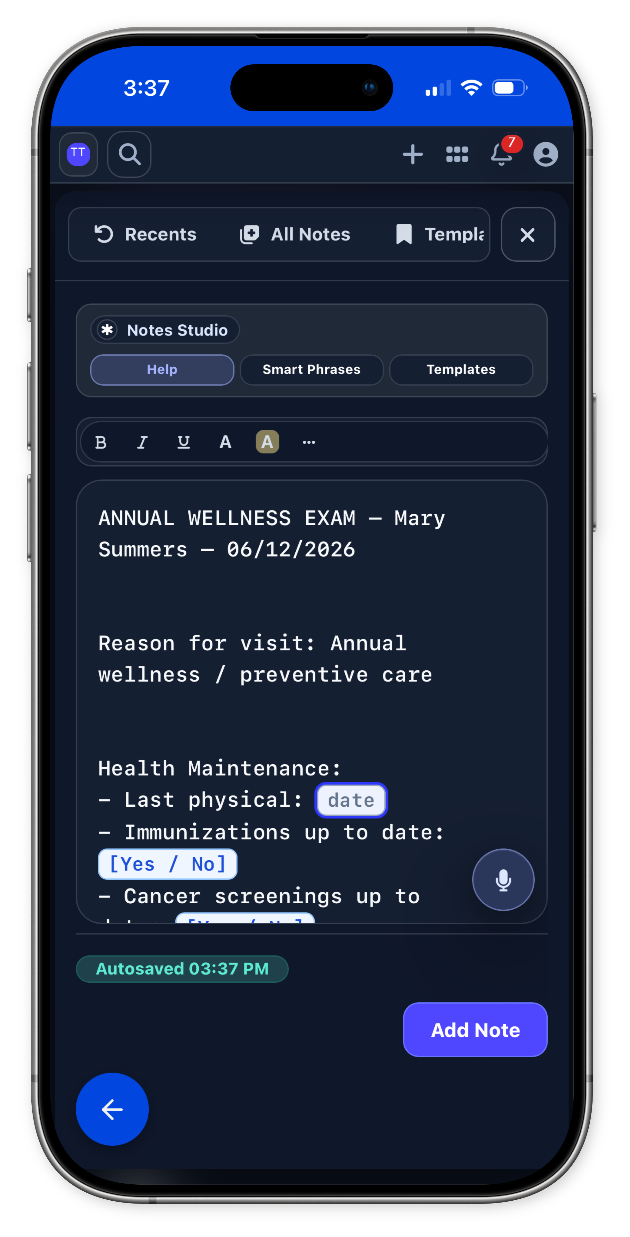
Notes Studio
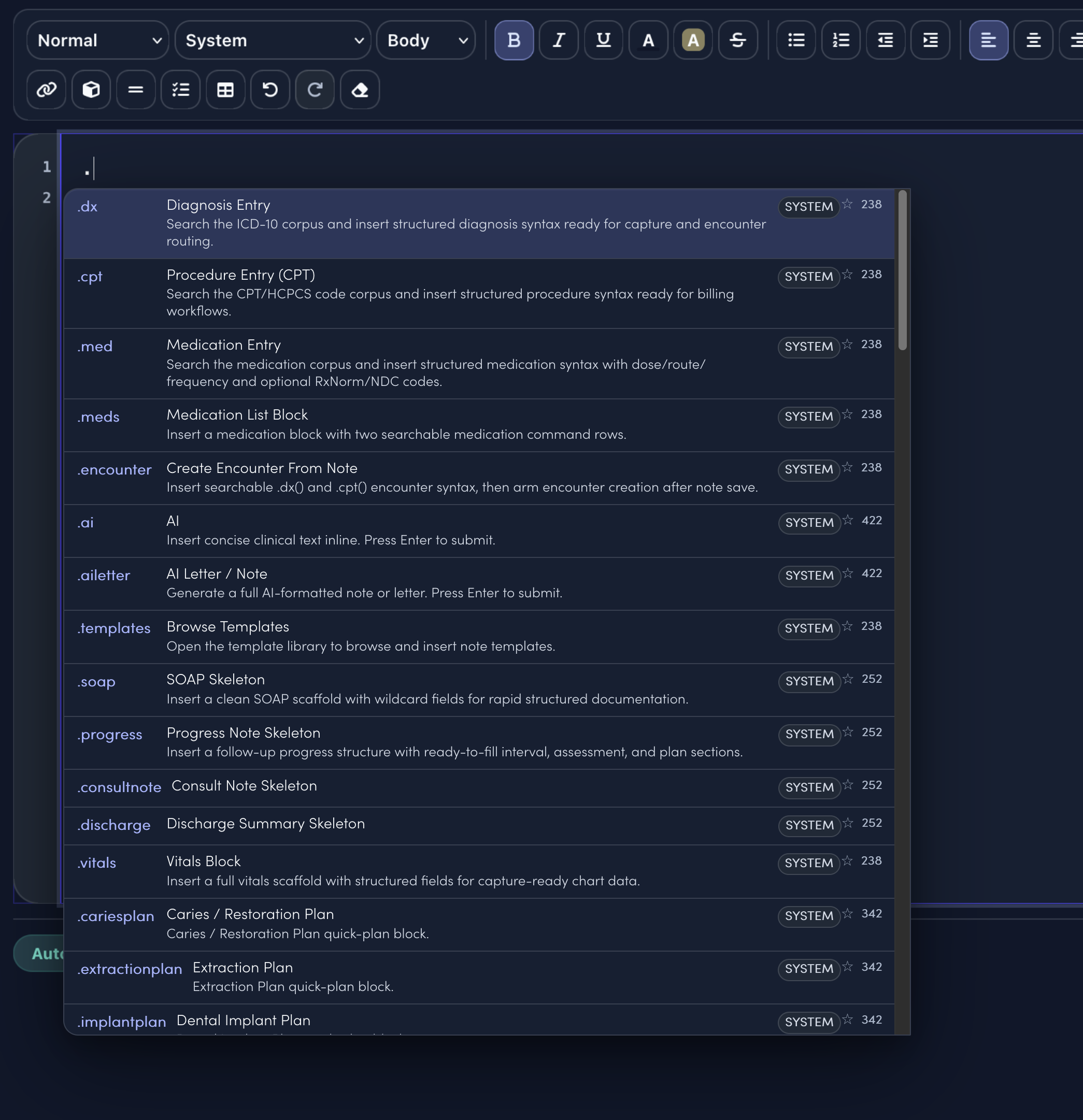
Notes Studio combines smart sentence completion, structured templates, command-style dot phrases, and code search. The specialty menu only surfaces the clinical shortcuts and visit templates that match the selected specialty.
.edabdED Abdominal Pain Discharge Plan quick-plan block.
.edchestpainReviewed testing performed, risk discussion, symptom pattern, results, and follow-up needs. Discussed discharge plan, medication instructions, outpatient follow-up, and uncertainty/return guidance.
.edheadinjuryED Head Injury Precautions quick-plan block.
.edlacReviewed repair type, tetanus status, wound location, contamination, neurovascular status, and follow-up needs. Discussed wound care, dressing, activity limits, suture removal timing, and infection prevention.
.edprecautionsED Discharge Precautions quick-plan block.
.edsprainReviewed injury mechanism, imaging, weight-bearing ability, neurovascular status, swelling, and pain control. Discussed RICE, brace/splint use, medication instructions, weight-bearing progression, and follow-up.
.edvomitingReviewed duration, intake, urine output, abdominal pain, fever, labs/treatment, and response to fluids/meds. Discussed oral hydration, diet advancement, antiemetic use, and follow-up.
.template.emergency.new.consultTemplateStarts HPI, focused exam, assessment, plan, education, and follow-up.
.template.emergency.follow.upTemplateCompares interval symptoms, treatment response, new issues, and next steps.
.template.procedure.noteTemplateCaptures indication, consent, site, technique, tolerance, and aftercare.
.template.patient.instructionsTemplateTurns the care plan into clear home instructions and return precautions.
.dxSearch diagnoses and insert structured diagnosis syntax..cptSearch procedures and insert billing-ready procedure syntax..medCompose medication instructions from the note..aiAsk for concise clinical text inline..templatesOpen the full template library..soapDrop in a clean SOAP note scaffold.
Keep intake and visit preparation, specialty documentation and clinical review, and decision support and next-step planning connected to documentation, follow-up, and billing handoff in one workspace.
Explore Emergency workflowsSpecialty tools
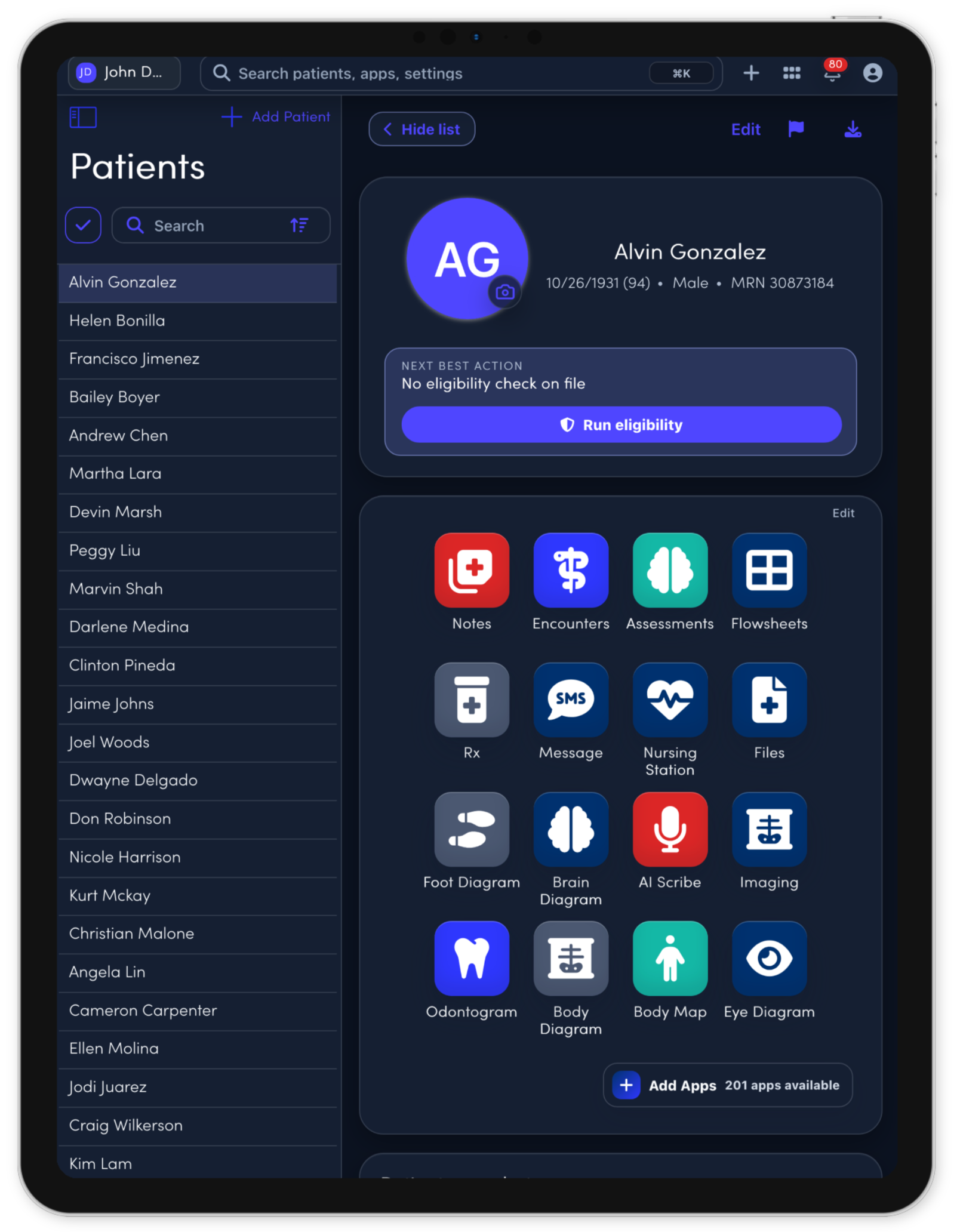
The core apps stay connected to the same patient record, so each visit, task, note, and follow-up can move through one workspace.
Open Triage from the patient record.
Open ED Board from the patient record.
Open ED Course from the patient record.
Open Quick Chart from the patient record.
Open Results from the patient record.
Open Procedures from the patient record.
Open Disposition from the patient record.
Open Trauma Map from the patient record.
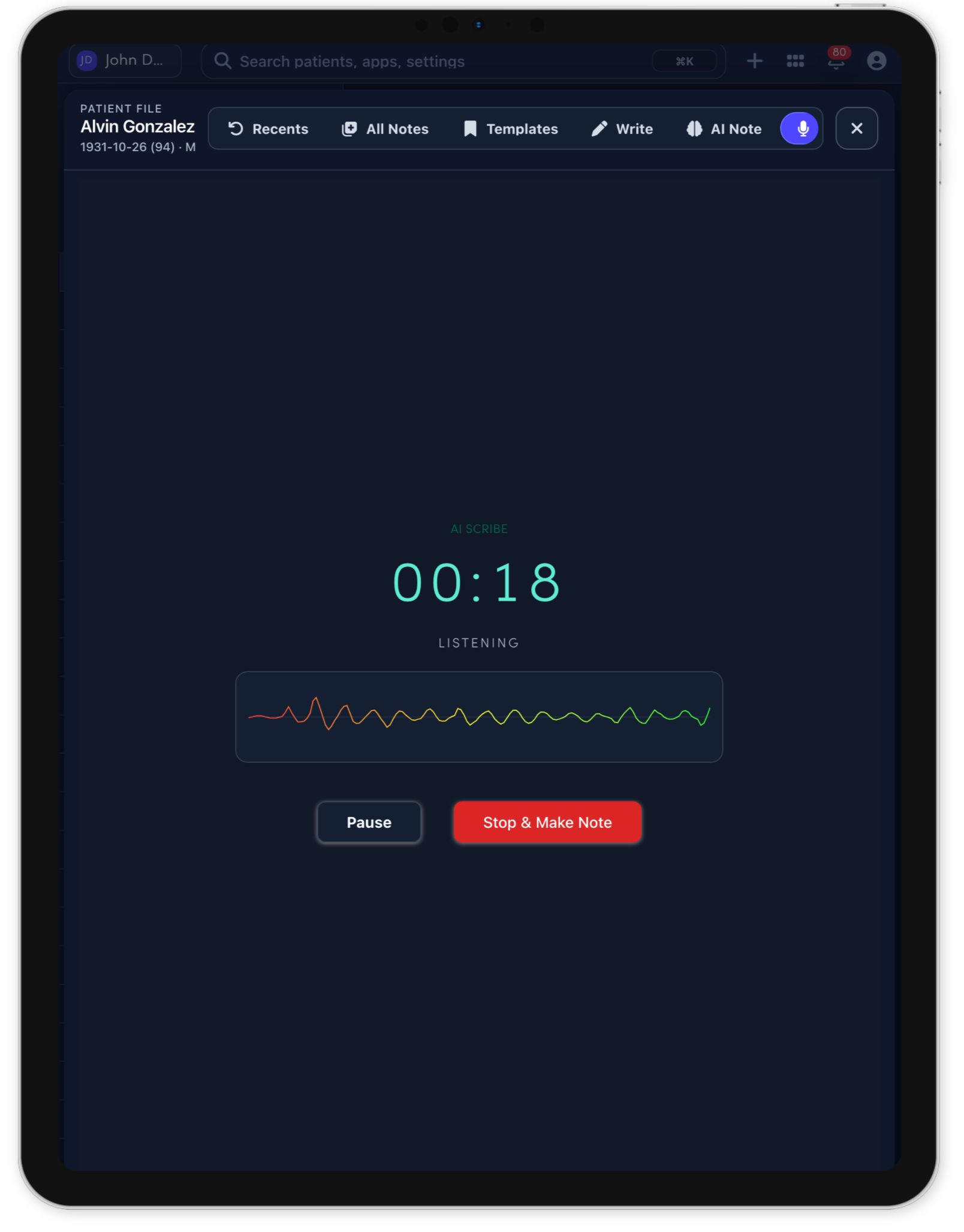
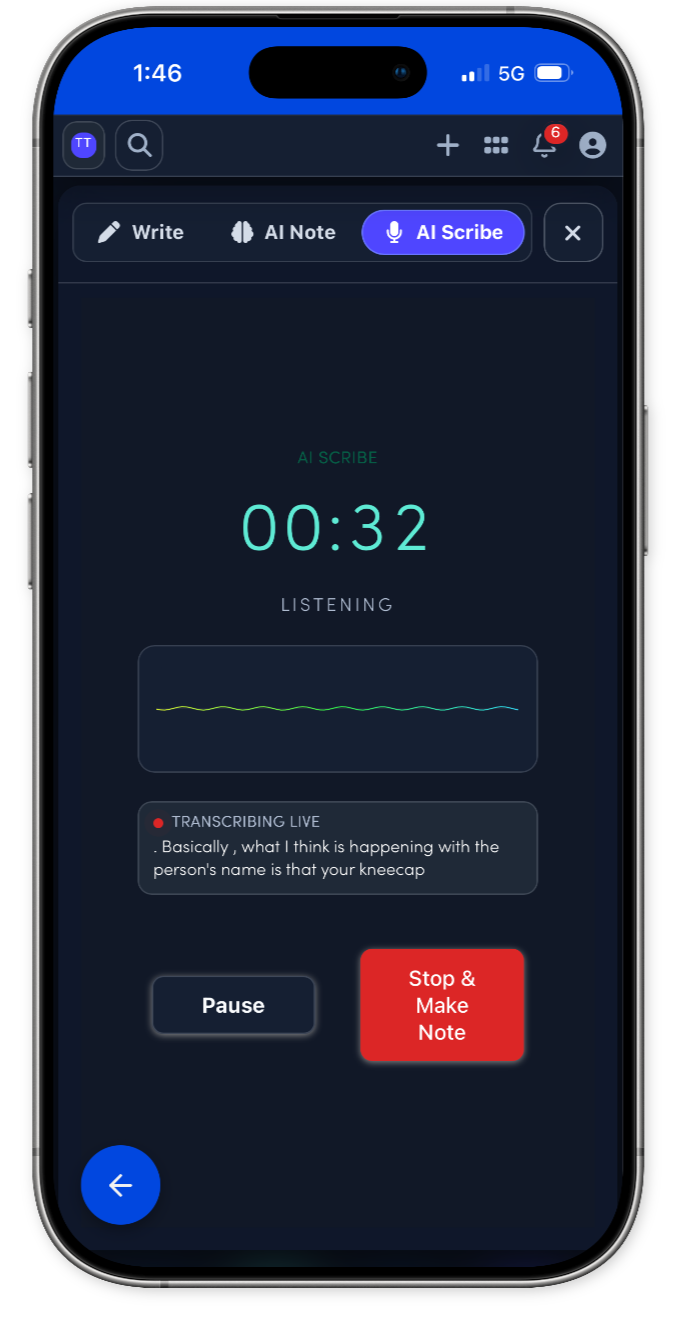
Connect more with patients while the note gets drafted.
Prescribing stays connected to the visit.
Use the 3D body map to see the whole patient.
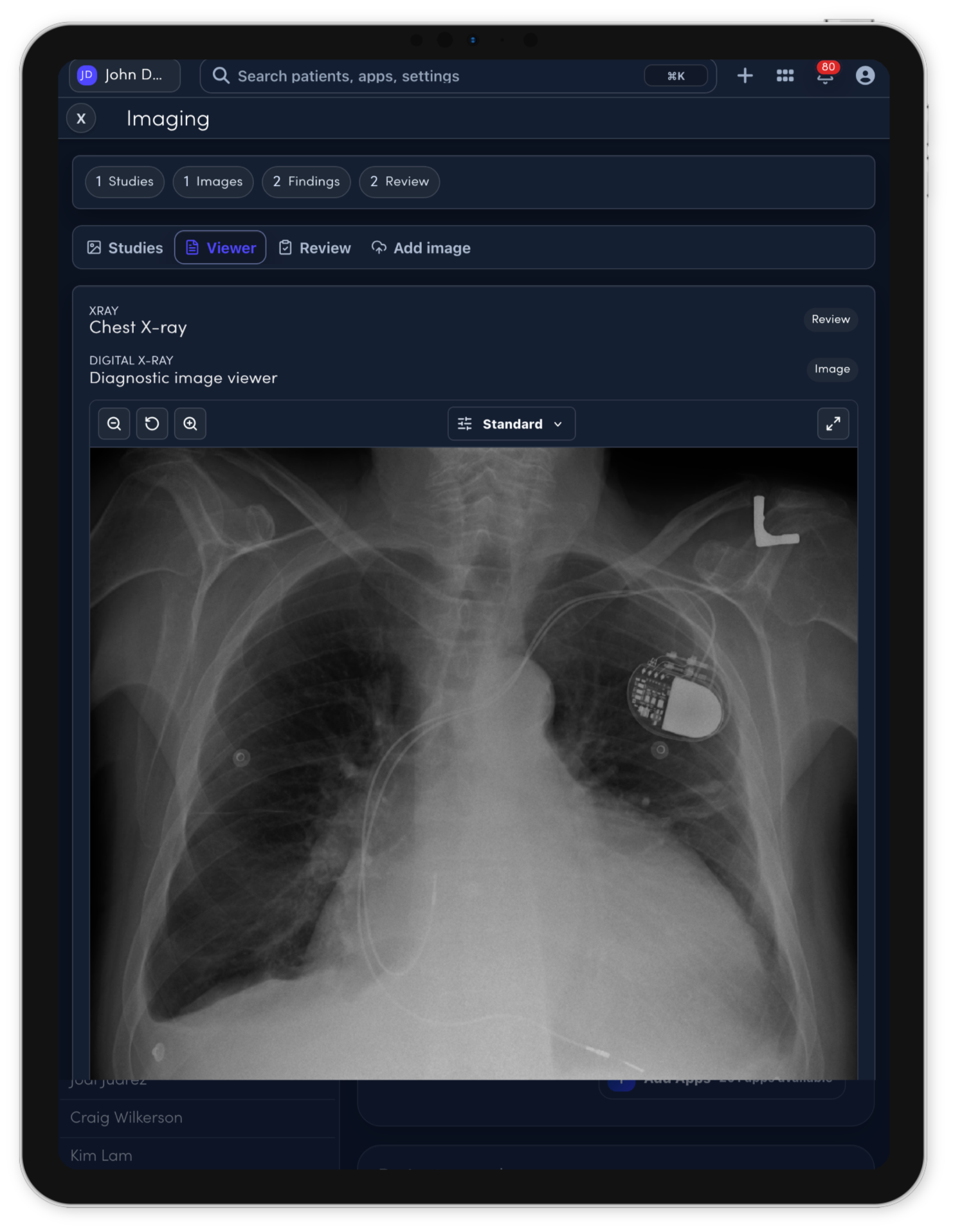
Imaging review support for clinician-controlled charting.
Save time with Note Studio.
The visit becomes a complete operational record.
Forms can match the way each specialty works.