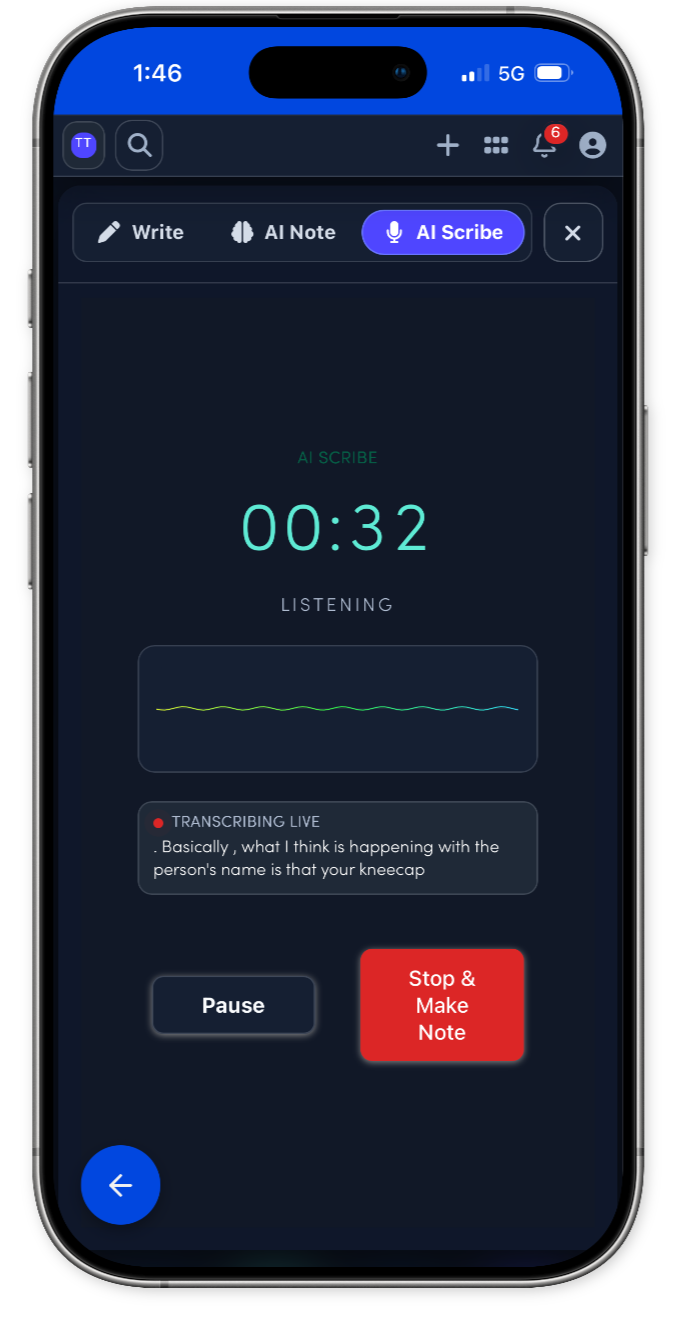
.amdplanMacular Degeneration Plan
Reviewed vision changes, distortion, OCT findings, injection history, smoking, supplements, and function. Discussed monitoring, Amsler grid, injection/supplement discussion if appropriate, and retina follow-up.
EMRDesk for Ophthalmology
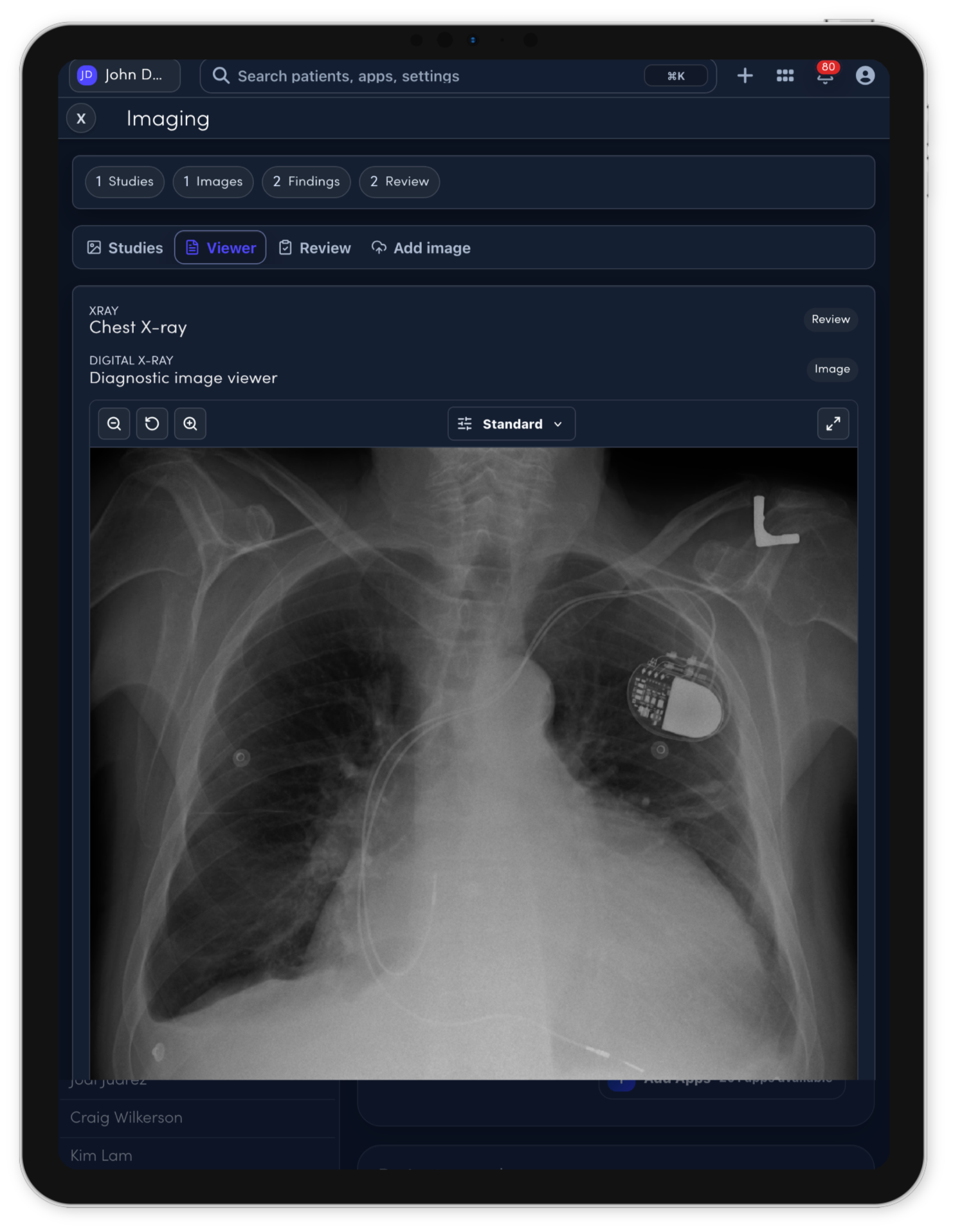
Keep eye diagrams, visual acuity, IOP, ophthalmic images, notes, recalls, and billing handoff connected to one patient record.
What EMRDesk is
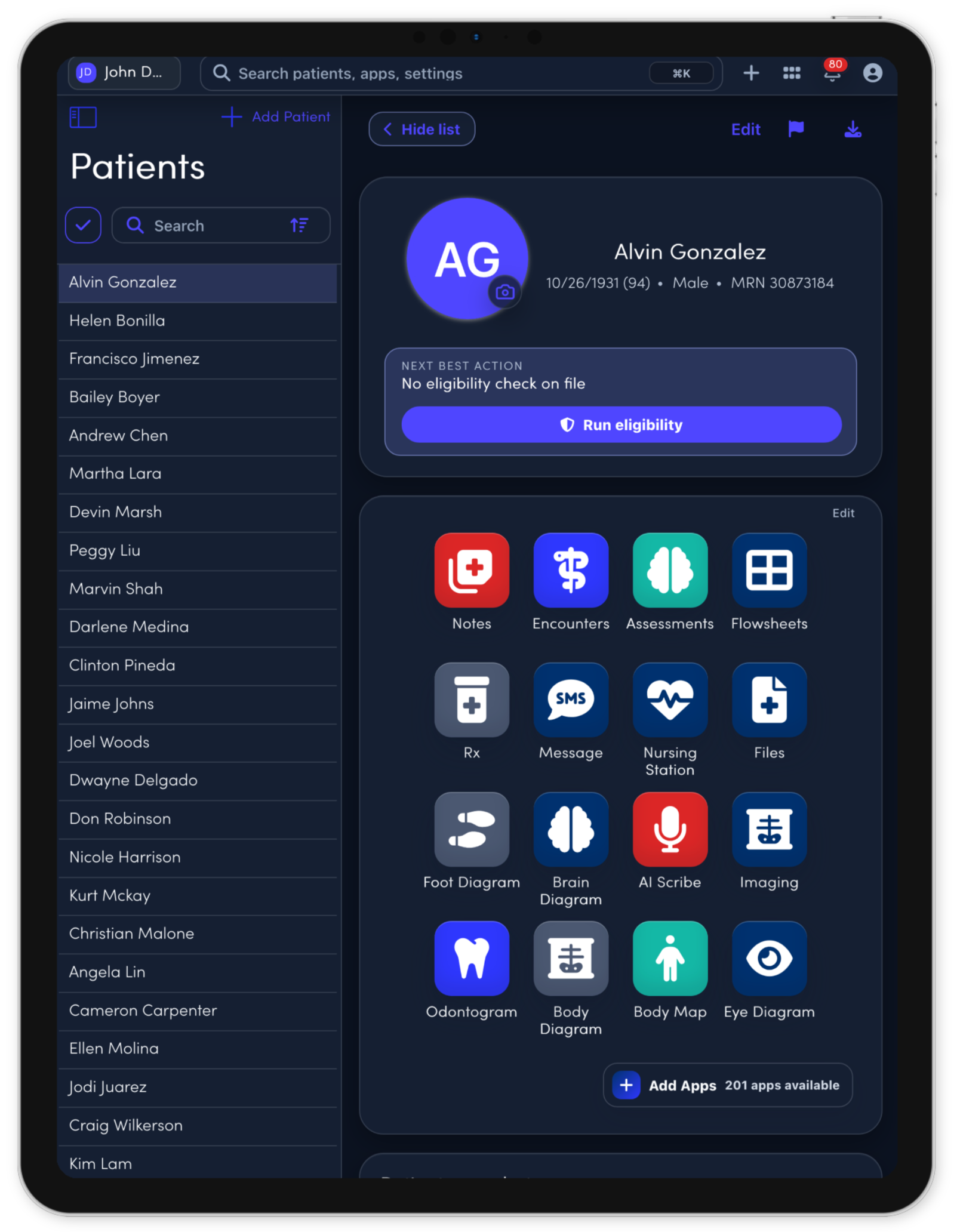
Bring front desk, clinical work, billing, and follow-up into one operational record, so every team member can see what happened and what needs to happen next.
Ophthalmology workspace
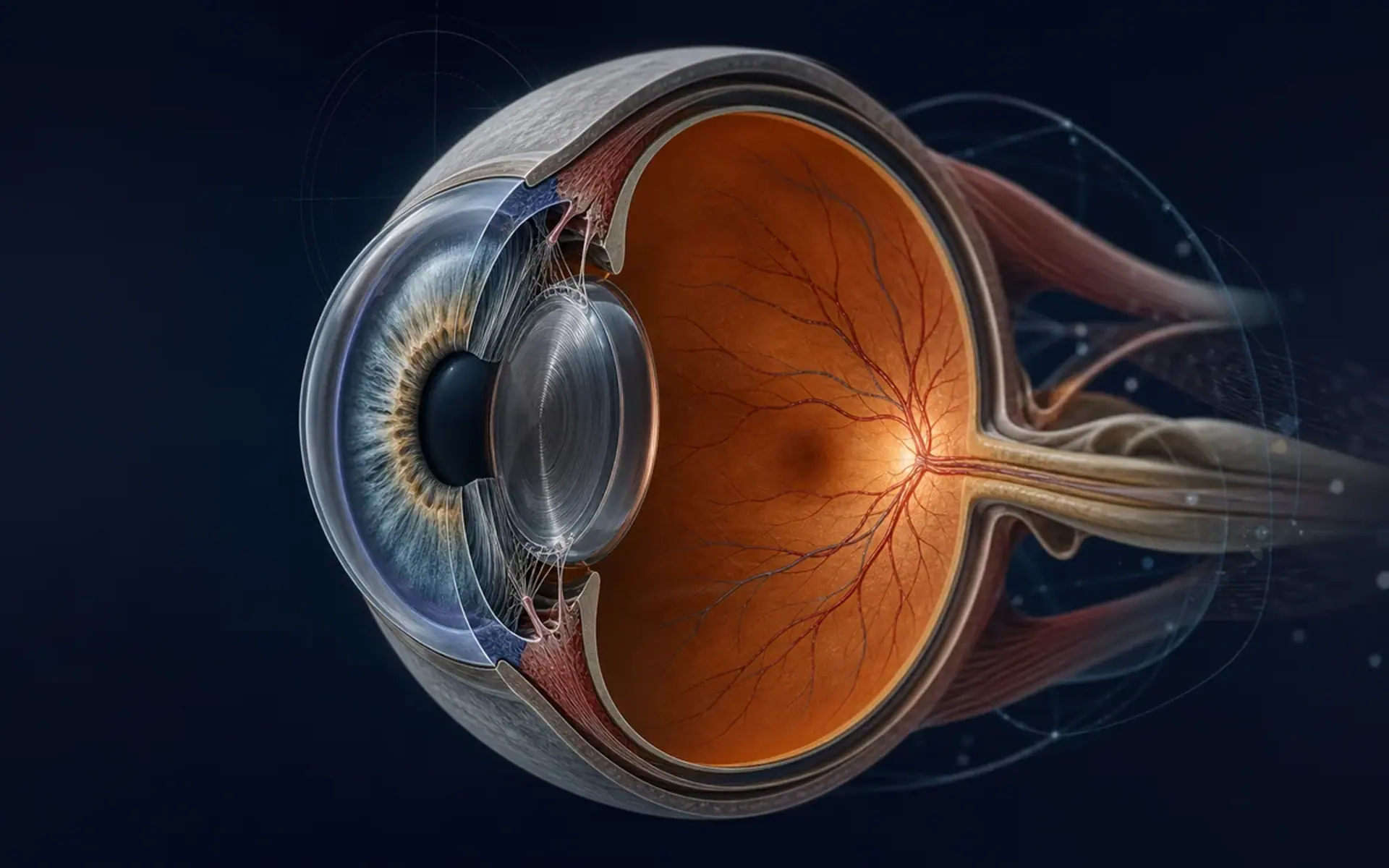
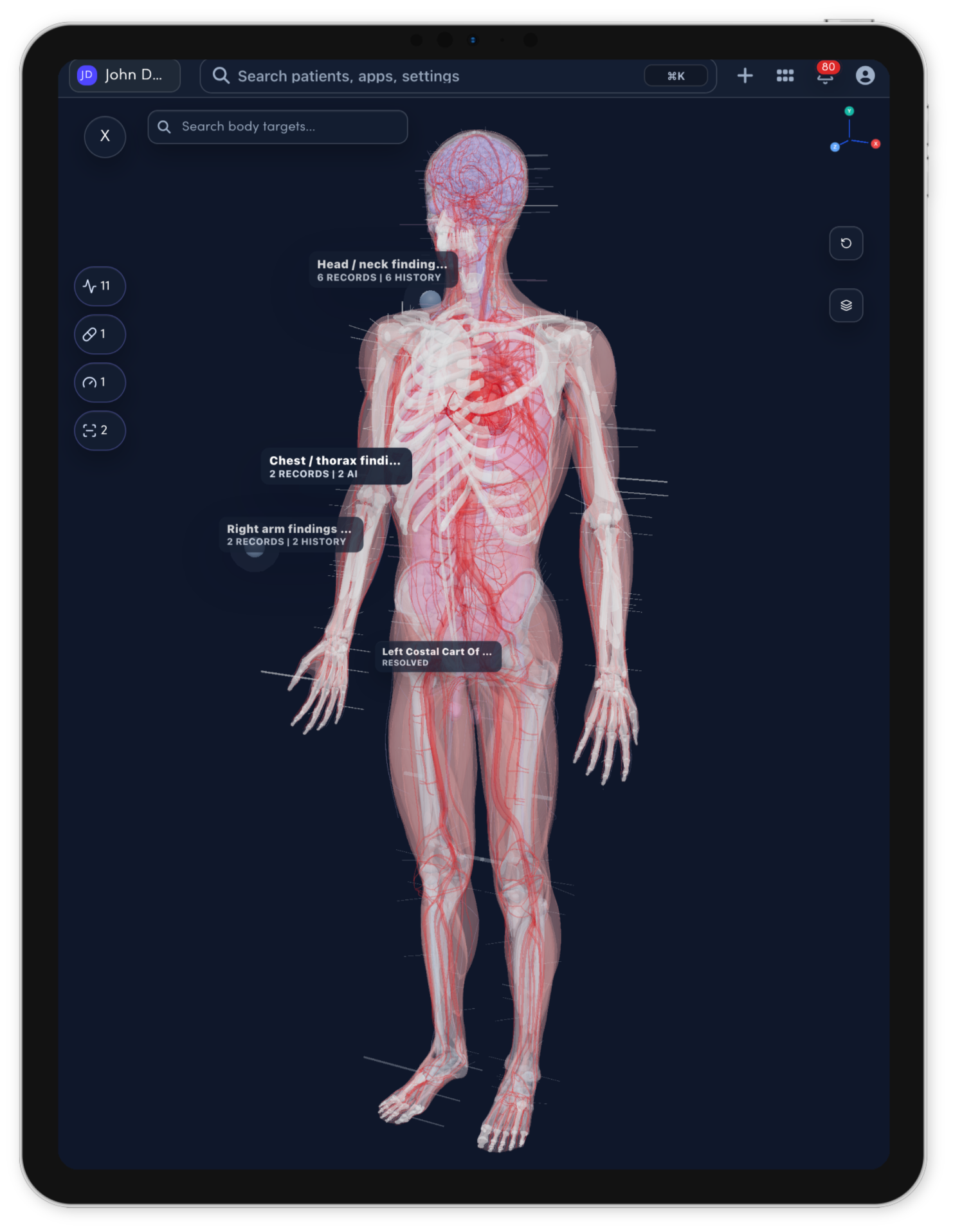
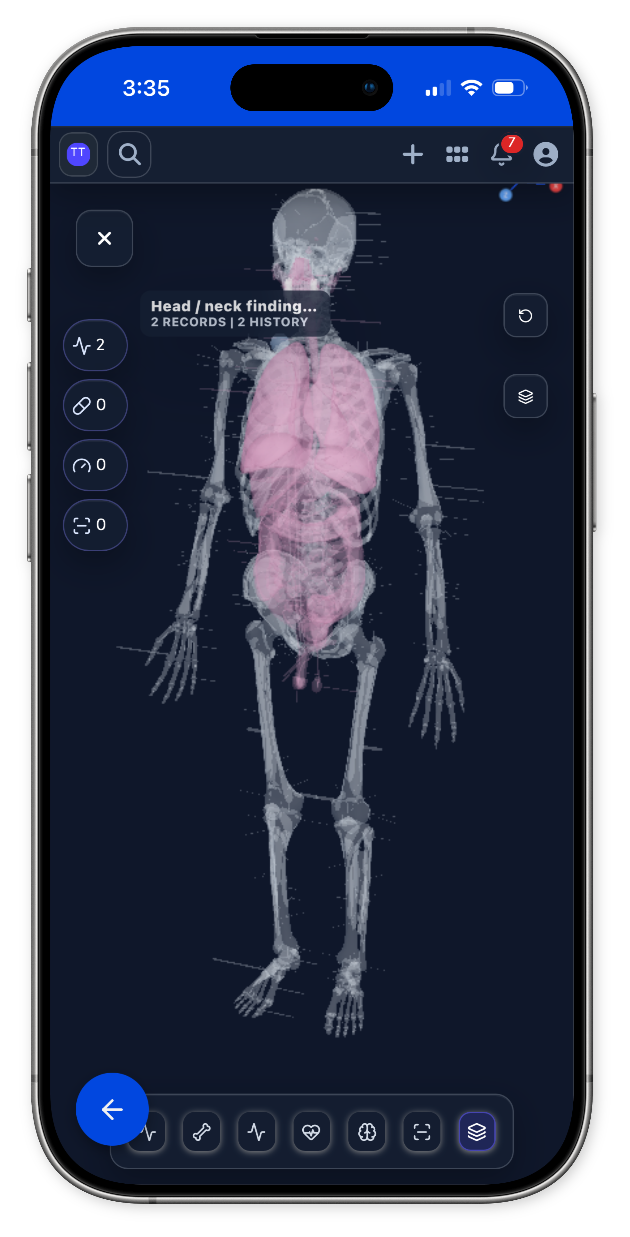
Use an interactive eye model to frame laterality, ocular findings, imaging context, procedures, and follow-up without losing the patient record around it.
Ophthalmology model
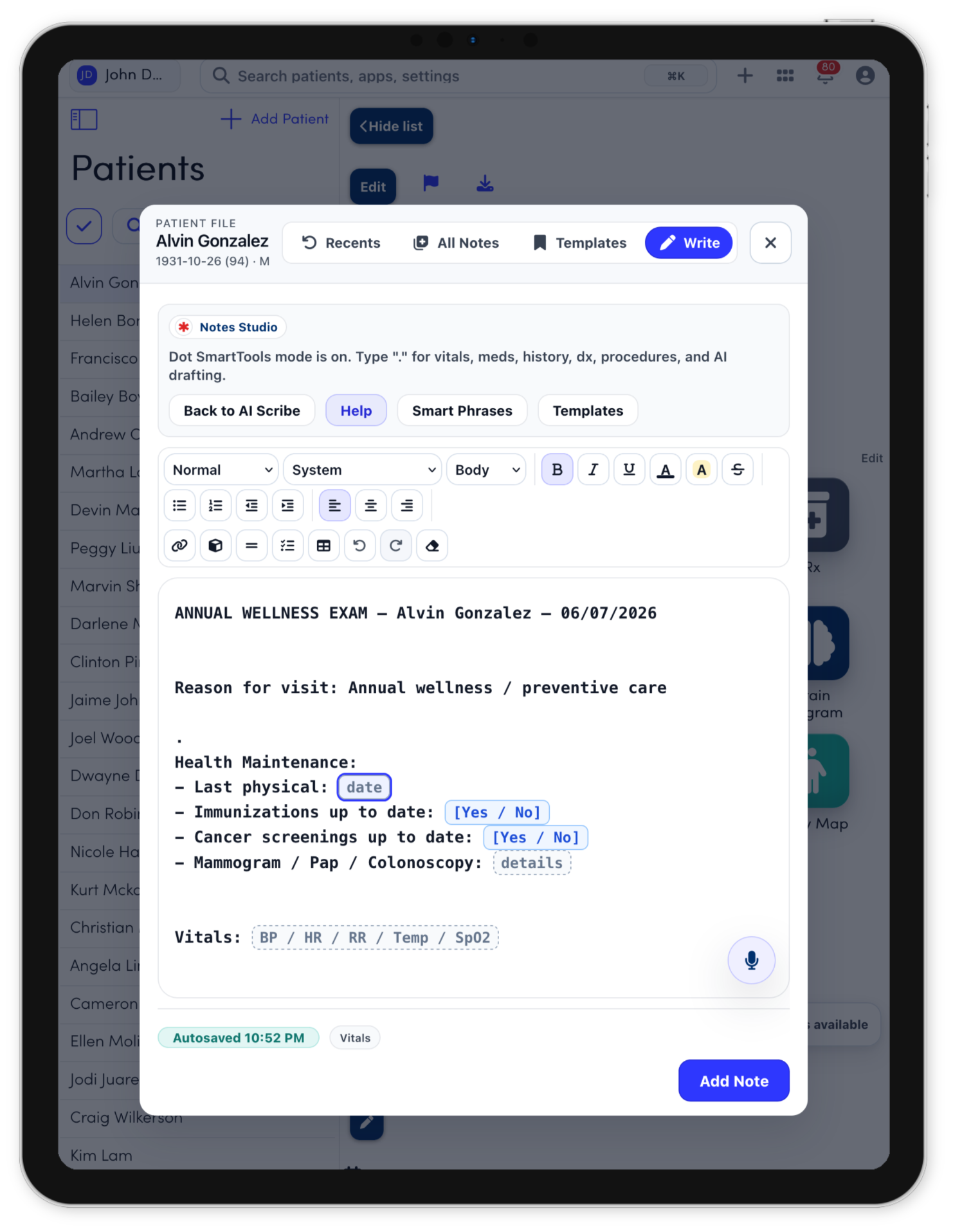
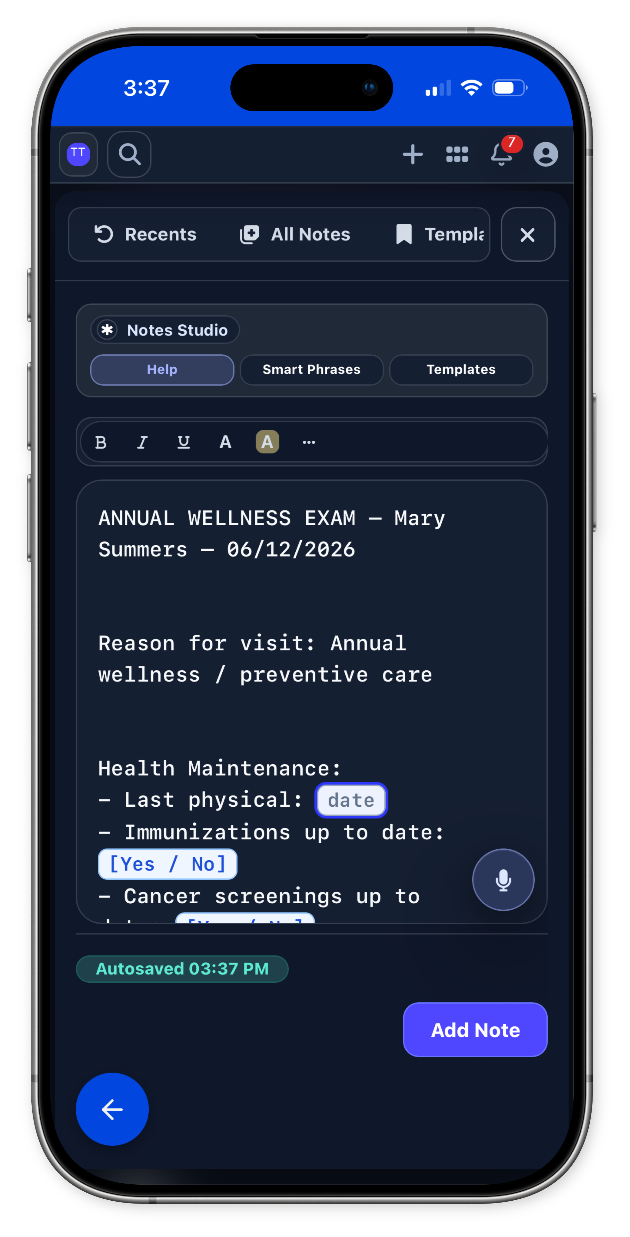
Notes Studio
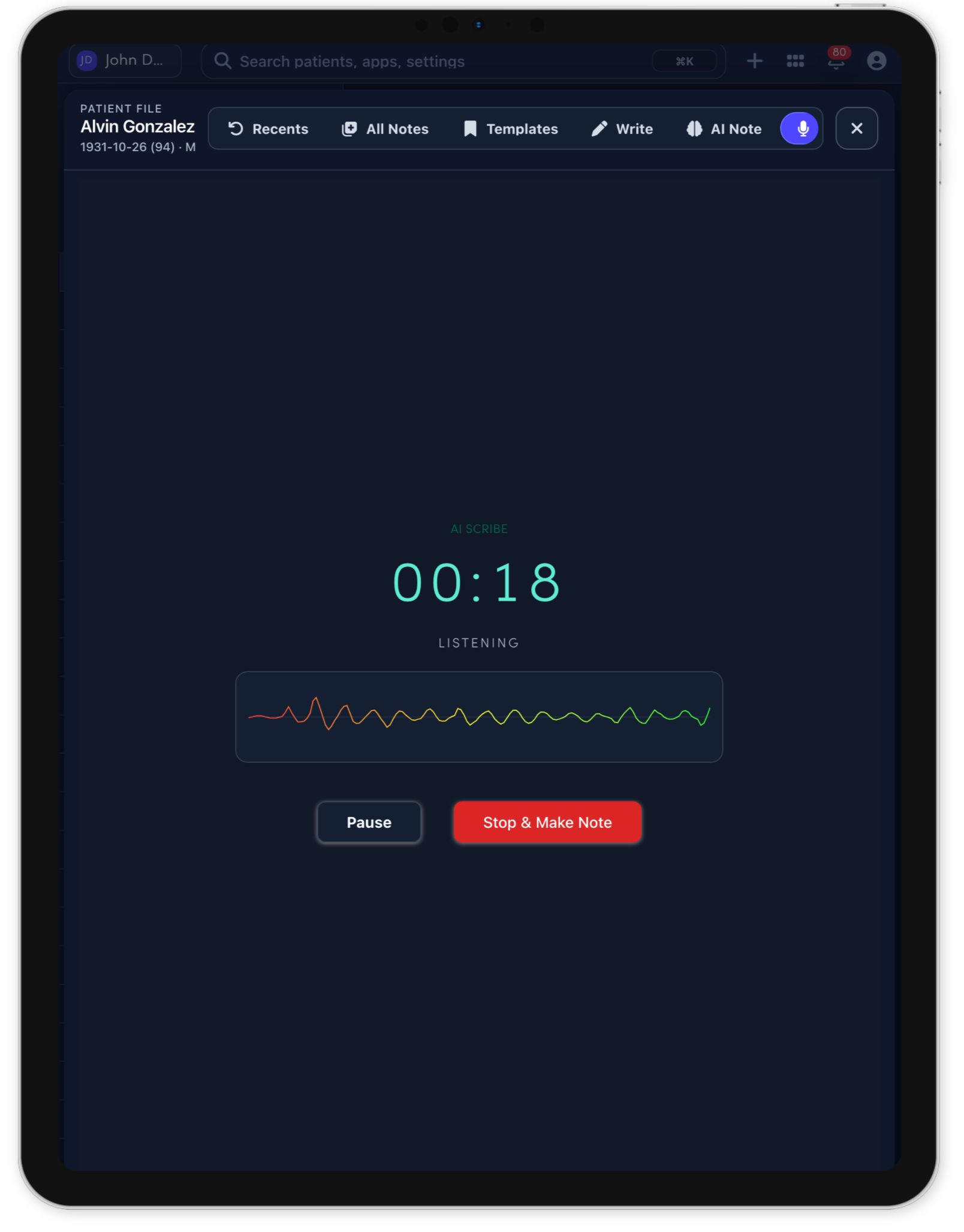
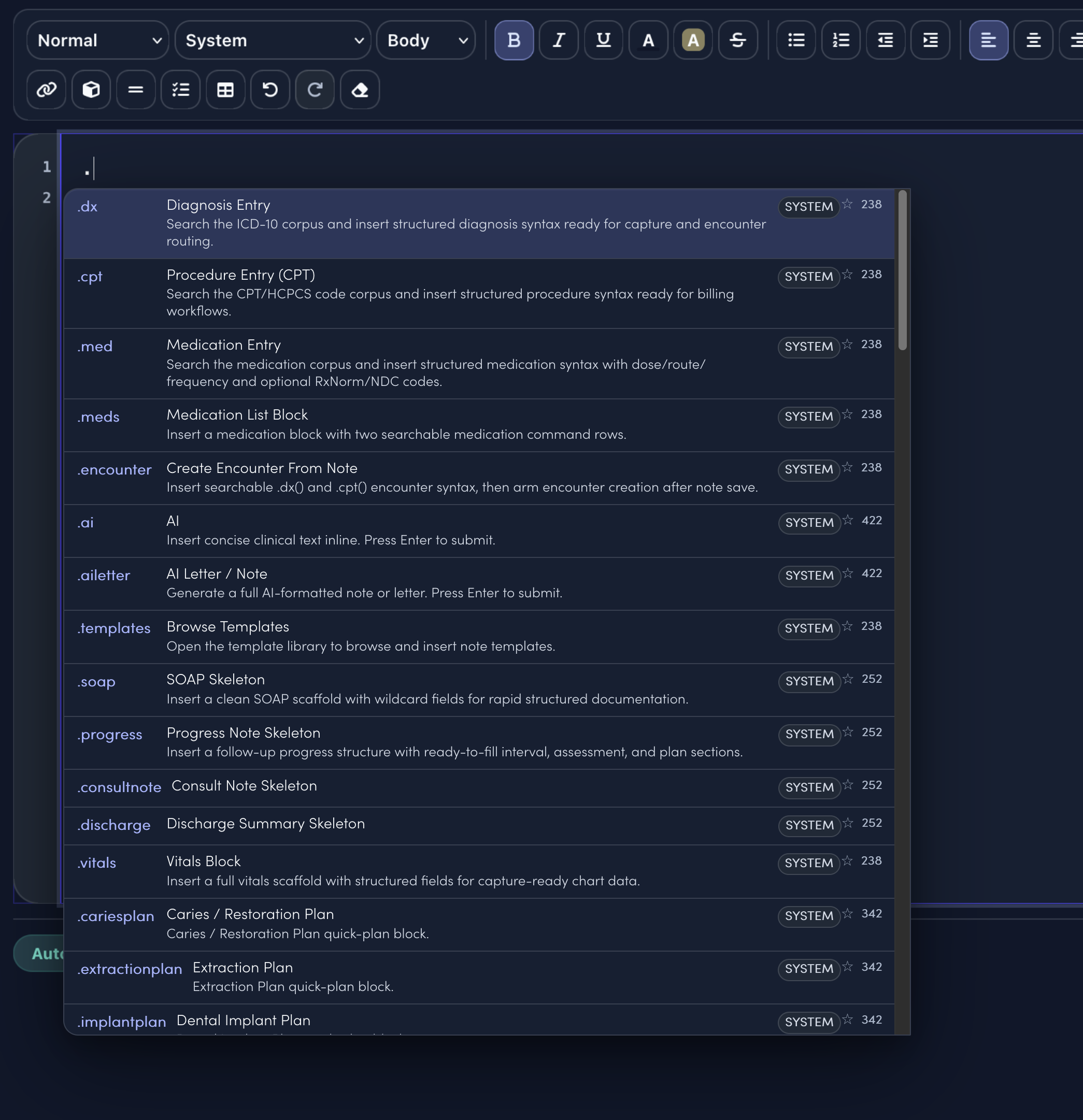
Notes Studio combines smart sentence completion, structured templates, command-style dot phrases, and code search. The specialty menu only surfaces the clinical shortcuts and visit templates that match the selected specialty.
.amdplanReviewed vision changes, distortion, OCT findings, injection history, smoking, supplements, and function. Discussed monitoring, Amsler grid, injection/supplement discussion if appropriate, and retina follow-up.
.cataractplanReviewed visual symptoms, glare, driving/reading impact, ocular history, medications, and patient goals. Discussed observation versus surgery, lens options, risks/benefits, measurements, and perioperative expectations.
.diabeticeyeDiabetic Eye Follow-up Plan quick-plan block.
.dryeyeDry Eye Plan quick-plan block.
.floatersplanReviewed onset, flashes, curtain, vision loss, trauma, myopia, surgery history, and exam findings. Discussed retinal warning signs, dilated exam follow-up, imaging, and monitoring plan.
.glaucomaplanReviewed IOP trend, optic nerve status, visual field/OCT, drop adherence, side effects, and risk factors. Discussed drop regimen, laser/surgical options if needed, testing interval, and adherence strategies.
.redeyeRed Eye Triage Plan quick-plan block.
.template.ophthalmology.new.consultTemplateStarts HPI, focused exam, assessment, plan, education, and follow-up.
.template.ophthalmology.follow.upTemplateCompares interval symptoms, treatment response, new issues, and next steps.
.template.procedure.noteTemplateCaptures indication, consent, site, technique, tolerance, and aftercare.
.template.patient.instructionsTemplateTurns the care plan into clear home instructions and return precautions.
.dxSearch diagnoses and insert structured diagnosis syntax..cptSearch procedures and insert billing-ready procedure syntax..medCompose medication instructions from the note..aiAsk for concise clinical text inline..templatesOpen the full template library..soapDrop in a clean SOAP note scaffold.
Keep laterality, visual acuity, IOP, exam findings, ophthalmic imaging, notes, recalls, and billing handoff attached to one longitudinal record.
See ophthalmology pricingSpecialty tools
Document the eye exam, follow acuity and pressure, compare ophthalmic images, and carry the approved plan into notes, recalls, and billing handoff.
Map anterior and posterior findings with OD and OS context.
Keep acuity, IOP, and refraction together across visits.
Review current and prior ophthalmic images side by side.
Ophthalmology templates keep common plans ready at the point of care.
Draft the encounter while the clinician stays focused on the exam.
Keep the exam, documentation, codes, and next action in one encounter.