.comfortplanPalliative Symptom Plan
Palliative Symptom Plan quick-plan block.
EMRDesk for Palliative Care
Give your palliative care team one connected place to manage documentation, handoffs, follow-up, and the specialty apps they rely on every day.
What EMRDesk is
Bring front desk, clinical work, billing, and follow-up into one operational record, so every team member can see what happened and what needs to happen next.
Specialty model
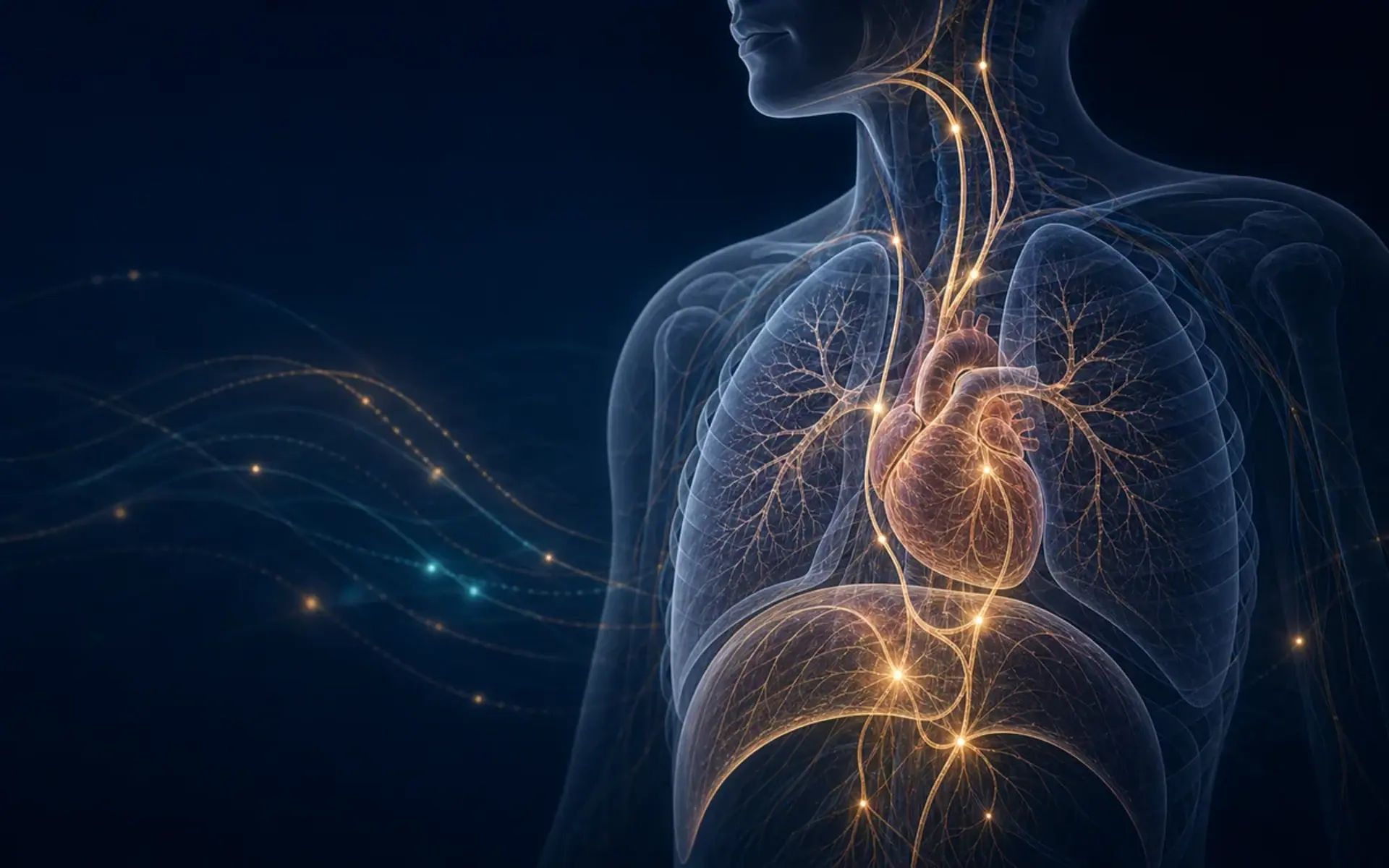
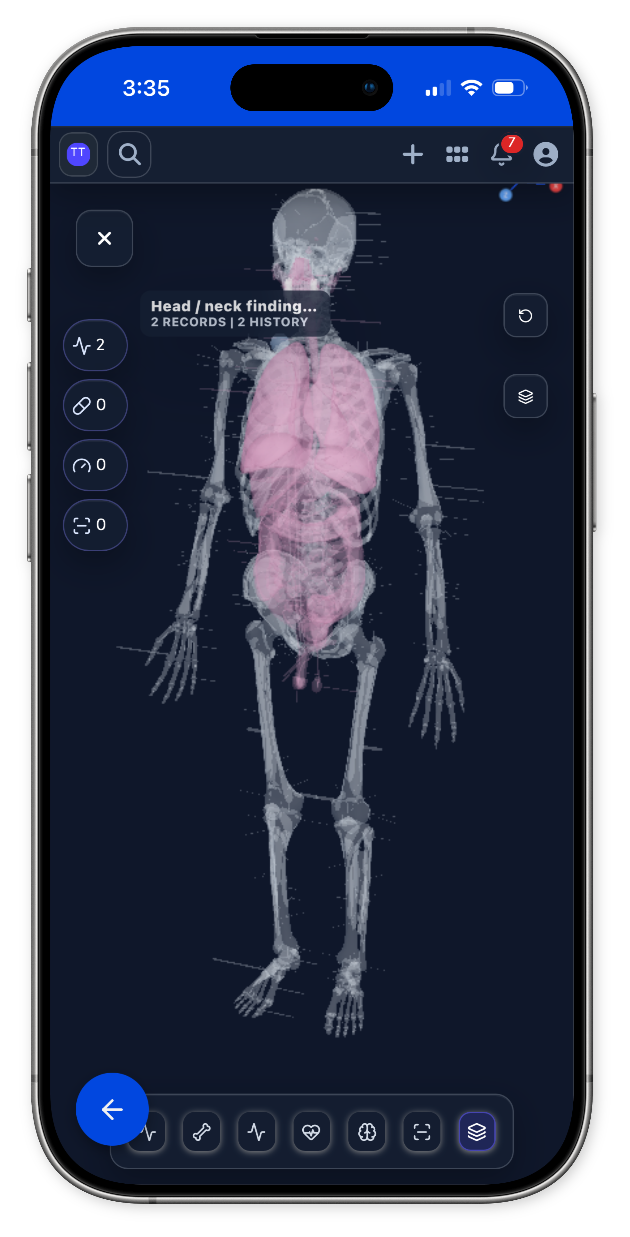
Every specialty page gets a full-width anatomy or imaging model matched to the care team. When there is no dedicated specialty model yet, the shared body map takes over.
Palliative Care model
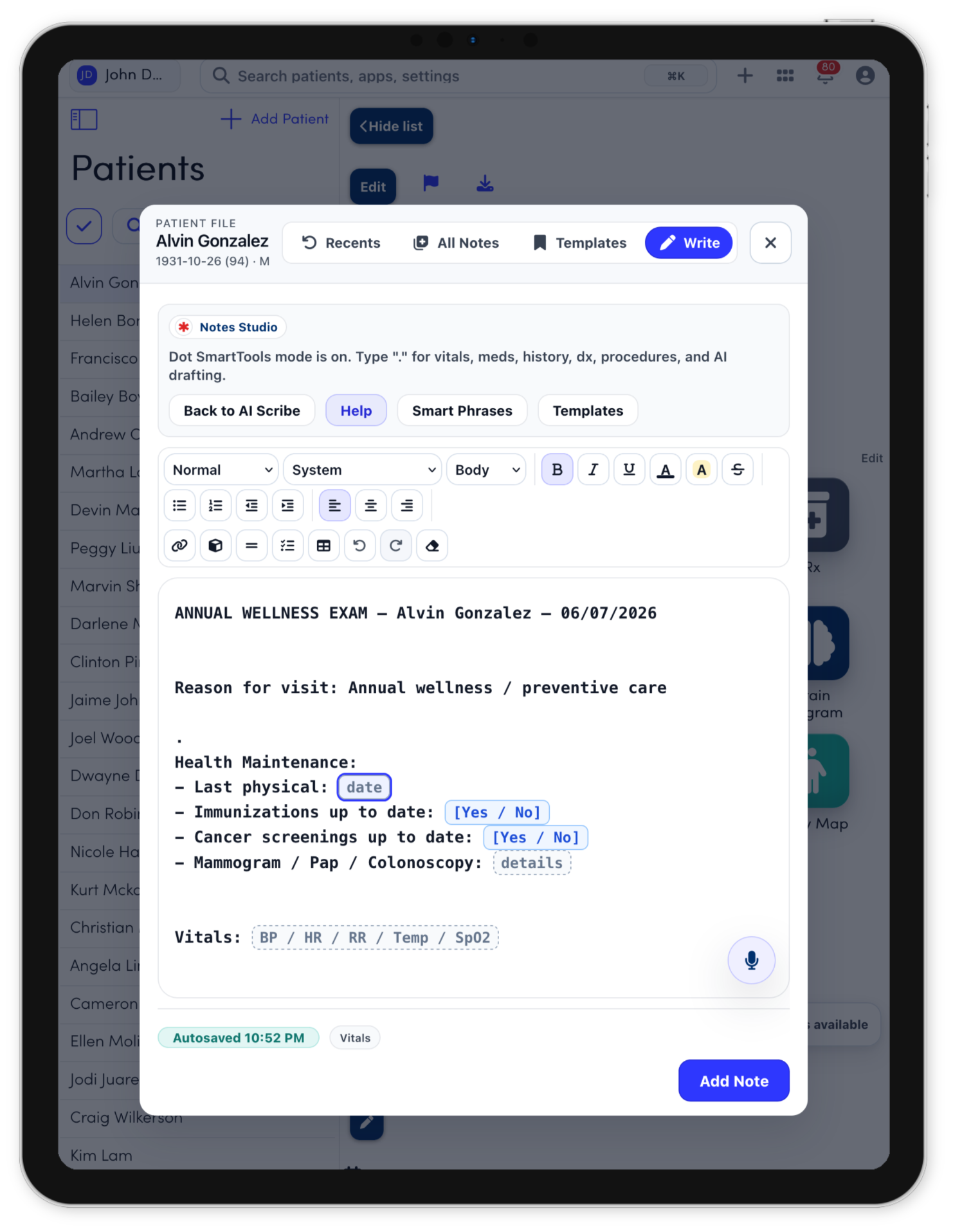
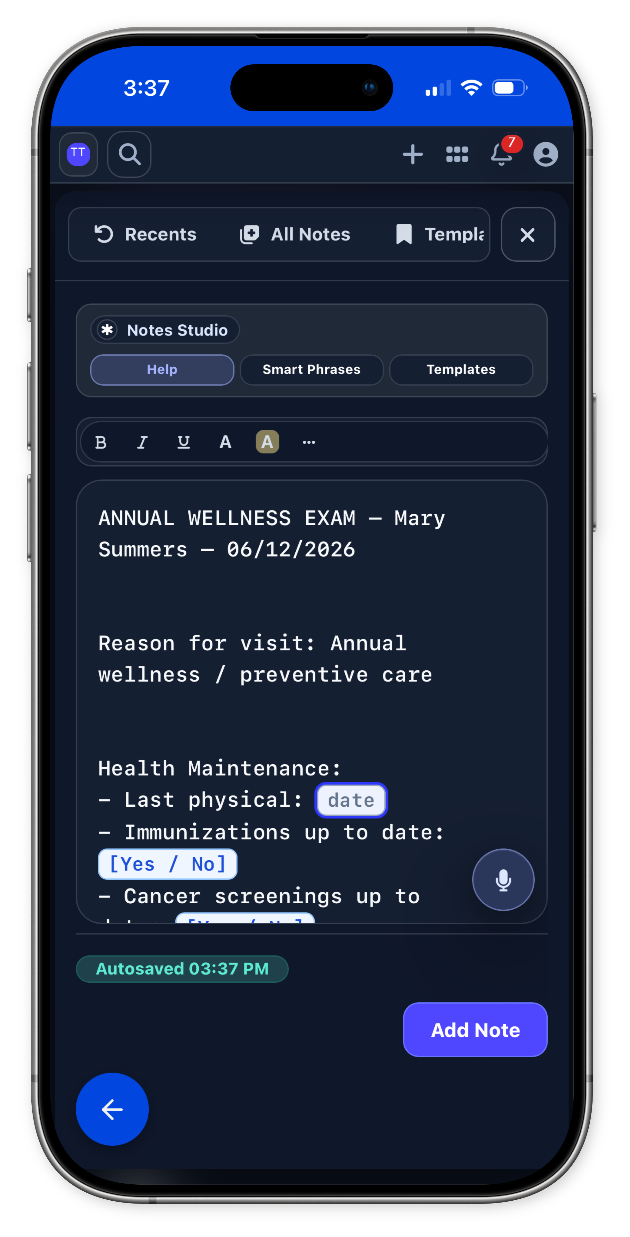
Notes Studio
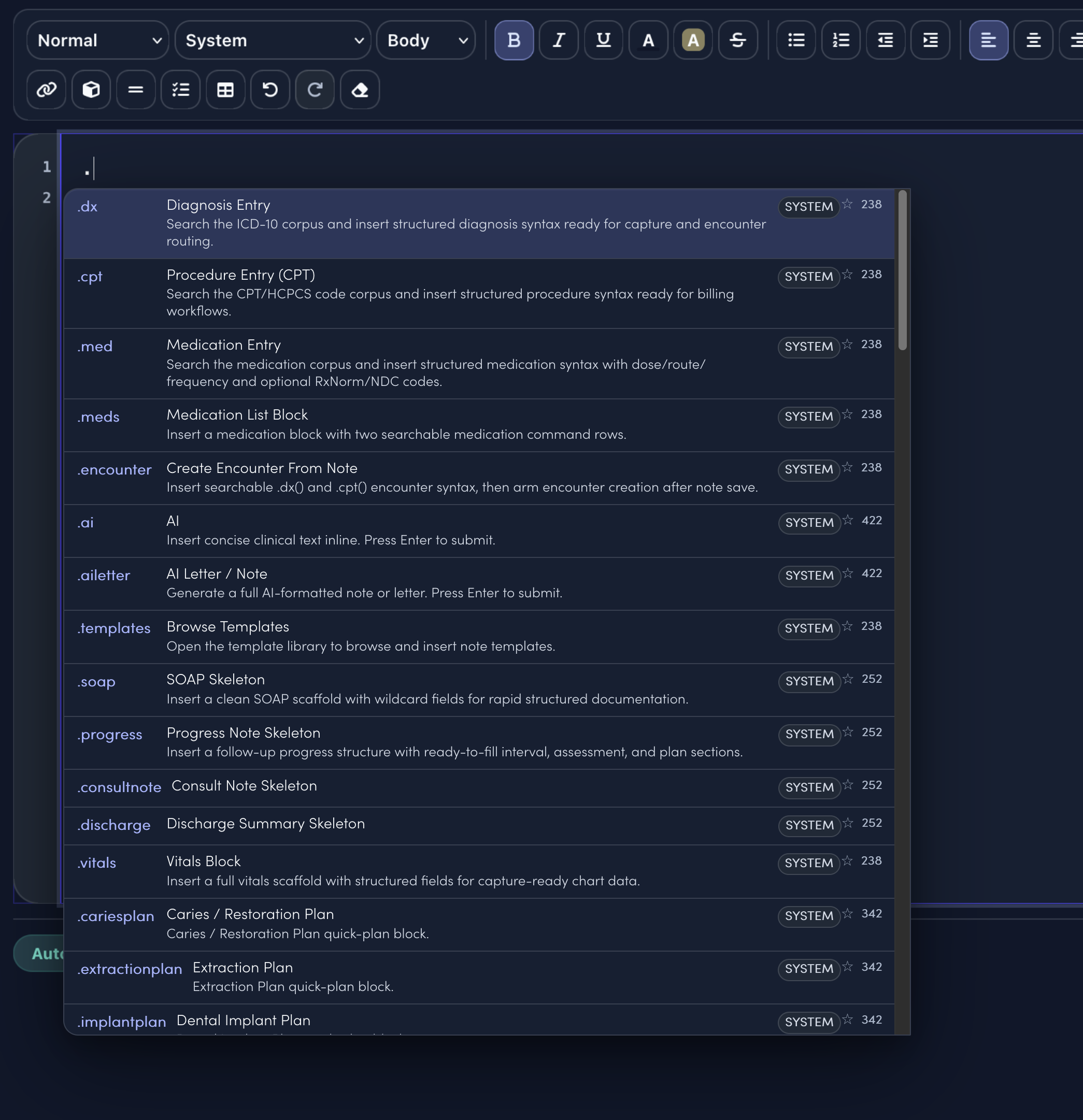
Notes Studio combines smart sentence completion, structured templates, command-style dot phrases, and code search. The specialty menu only surfaces the clinical shortcuts and visit templates that match the selected specialty.
.comfortplanPalliative Symptom Plan quick-plan block.
.dyspneapallReviewed breathlessness triggers, oxygen use, anxiety, positioning, goals, caregiver comfort, and disease context. Discussed fan/positioning, medication options, oxygen use if helpful, anxiety support, and crisis plan.
.familymeetingReviewed attendees, understanding, values, questions, decisions needed, and emotional concerns. Discussed medical update, goals, options, recommendations, next steps, and communication plan.
.gocGoals of Care Discussion quick-plan block.
.hospiceplanHospice Discussion Plan quick-plan block.
.pallbowelReviewed bowel pattern, opioids, intake, nausea/vomiting, abdominal pain, and prior regimen. Discussed scheduled bowel regimen, rescue options, hydration/comfort measures, and monitoring.
.pallpainReviewed pain source, intensity, function, goals, opioid exposure, side effects, and caregiver support. Discussed opioid/non-opioid strategy, bowel regimen, breakthrough dosing, non-drug care, and follow-up access.
.template.palliative.care.new.consultTemplateStarts HPI, focused exam, assessment, plan, education, and follow-up.
.template.palliative.care.follow.upTemplateCompares interval symptoms, treatment response, new issues, and next steps.
.template.procedure.noteTemplateCaptures indication, consent, site, technique, tolerance, and aftercare.
.template.patient.instructionsTemplateTurns the care plan into clear home instructions and return precautions.
.dxSearch diagnoses and insert structured diagnosis syntax..cptSearch procedures and insert billing-ready procedure syntax..medCompose medication instructions from the note..aiAsk for concise clinical text inline..templatesOpen the full template library..soapDrop in a clean SOAP note scaffold.
Keep intake and visit preparation, specialty documentation and clinical review, and decision support and next-step planning connected to documentation, follow-up, and billing handoff in one workspace.
Explore Palliative Care workflowsSpecialty tools
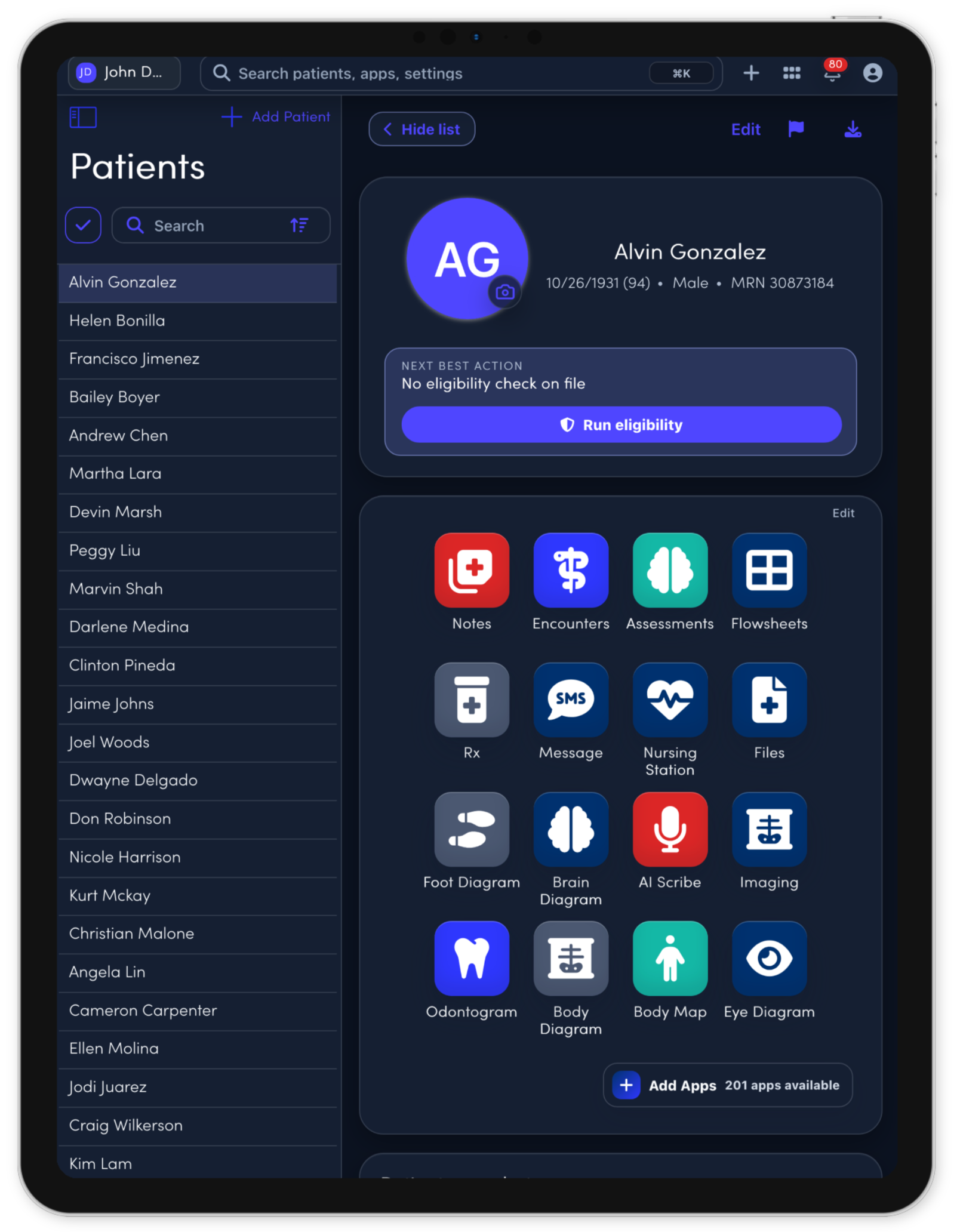
The core apps stay connected to the same patient record, so each visit, task, note, and follow-up can move through one workspace.
Open Symptom Support from the patient record.
Open Goals of Care from the patient record.
Open Transitions from the patient record.
Open Care Plans from the patient record.
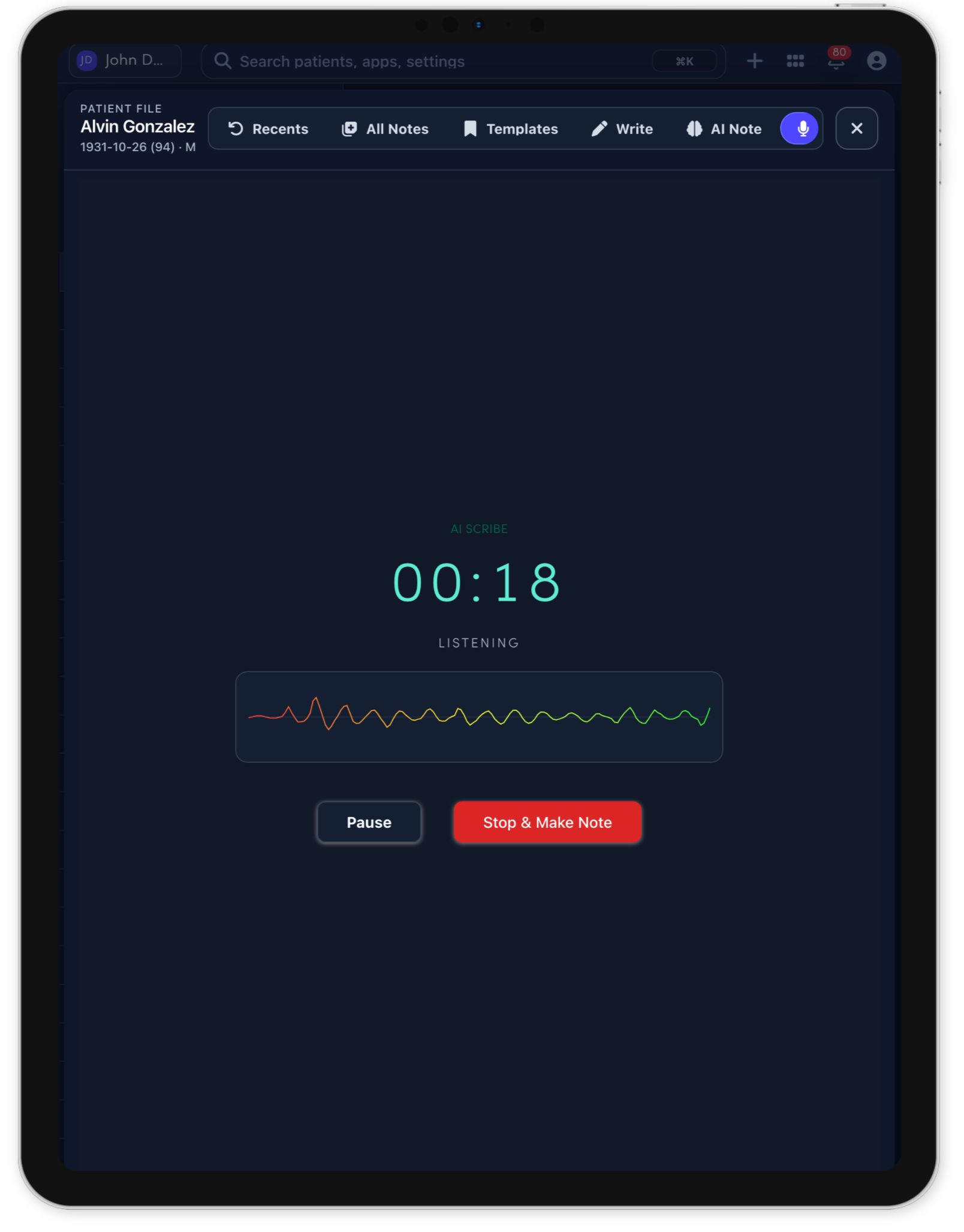
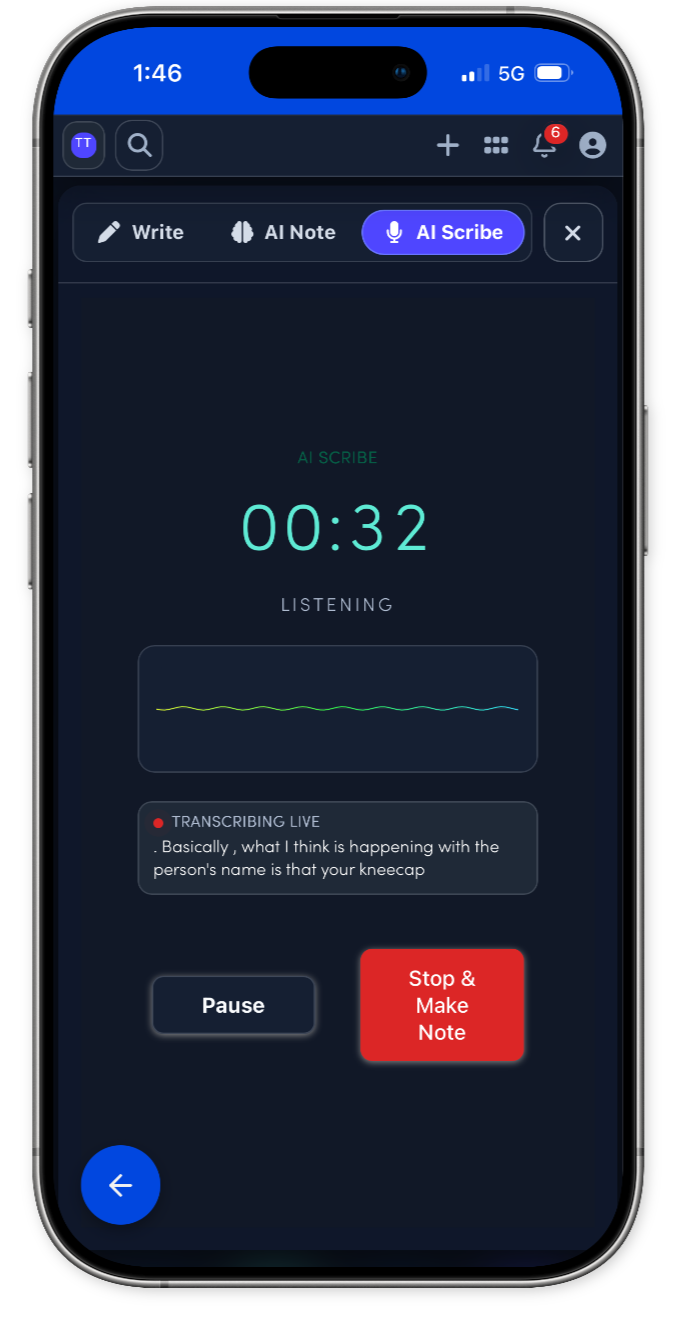
Connect more with patients while the note gets drafted.
Prescribing stays connected to the visit.
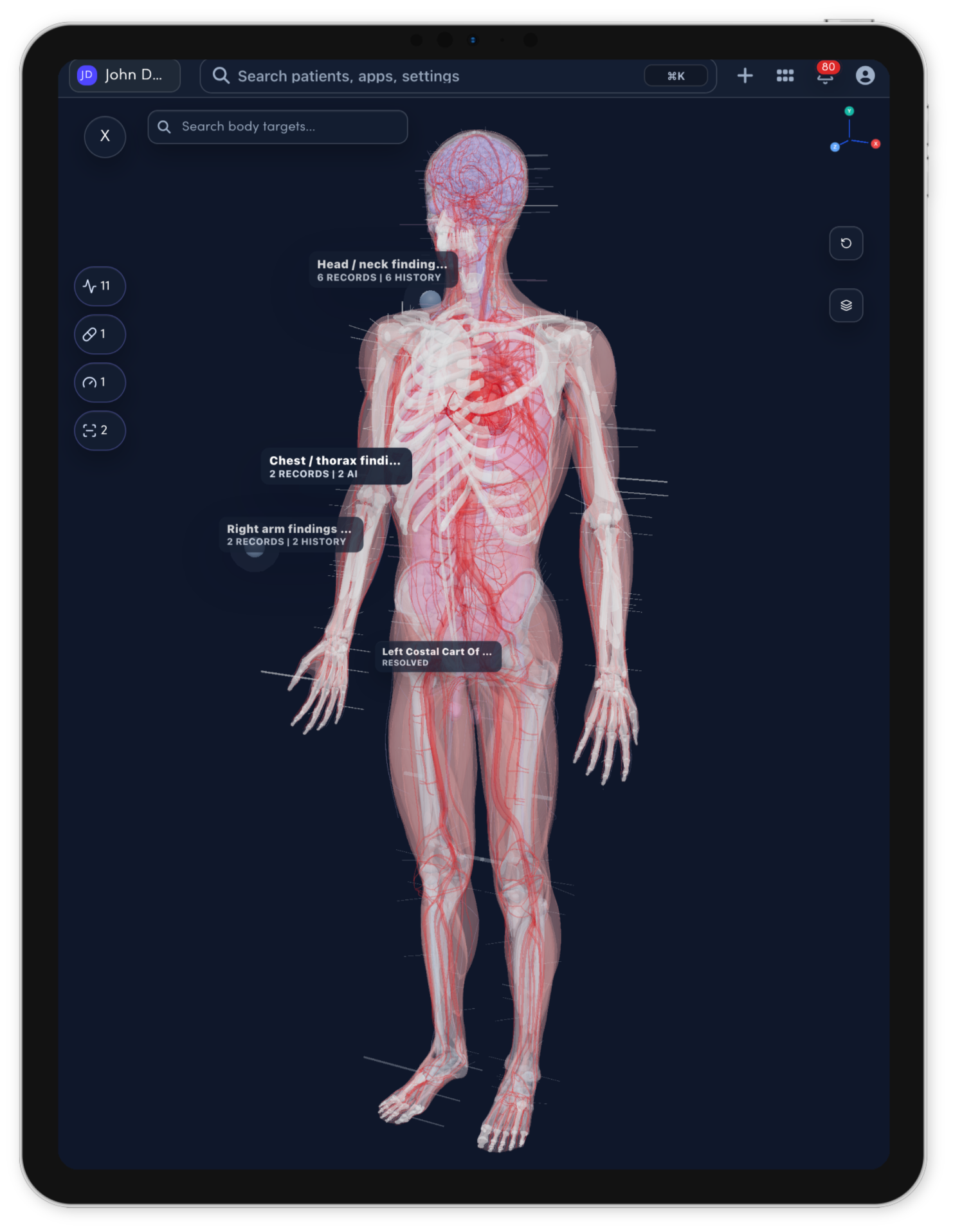
Use the 3D body map to see the whole patient.
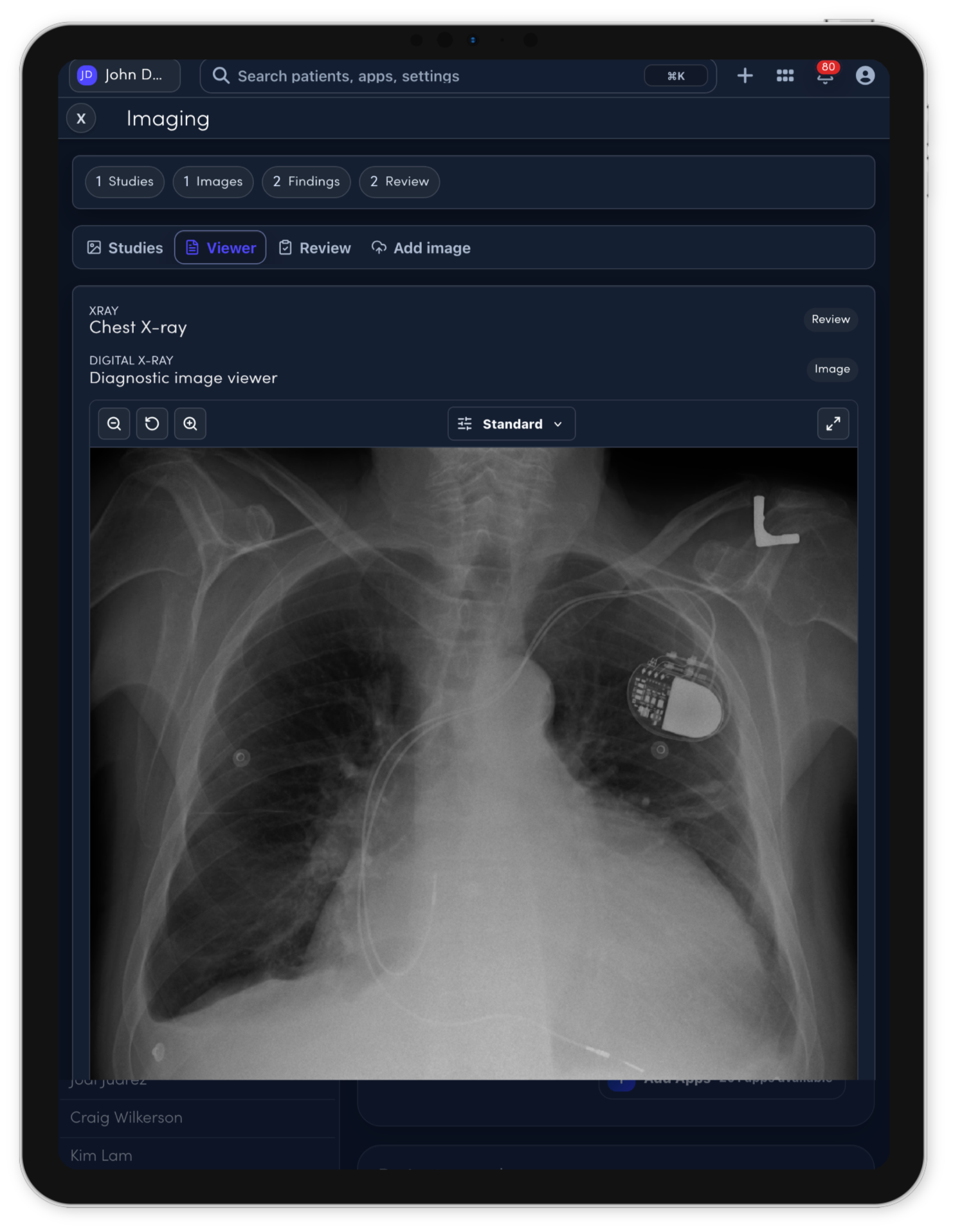
Imaging review support for clinician-controlled charting.
Save time with Note Studio.
The visit becomes a complete operational record.
Forms can match the way each specialty works.