
Tools
Medical scheduling software
Keep the schedule and the patient record in sync.
Book visits, coordinate provider time, send reminders, collect intake, and carry every appointment into charting and billing without rebuilding context.- Provider calendars
- Visit-ready context
- Connected follow-up
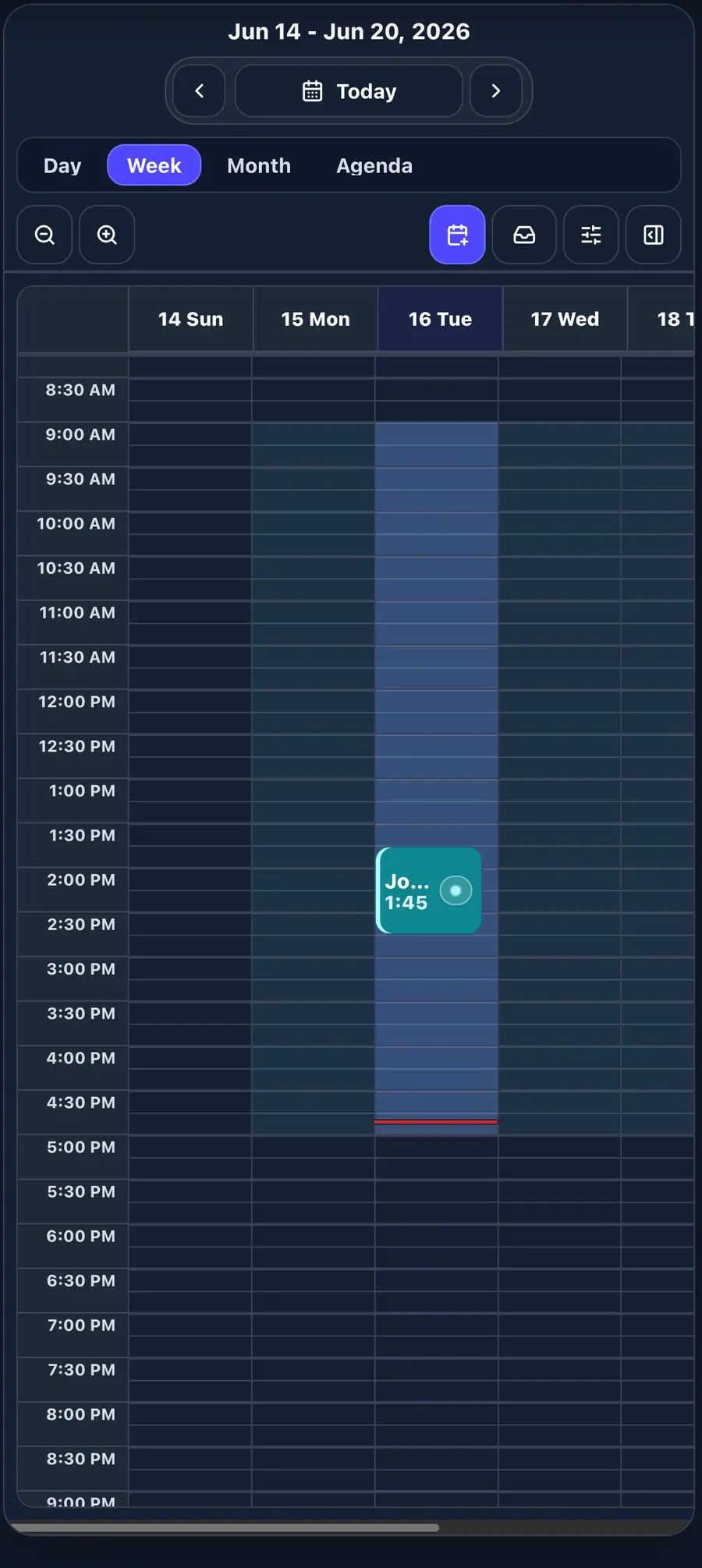
From booking to visit
The calendar becomes the front door to the chart.
Each appointment keeps the patient, provider, visit reason, intake work, eligibility context, and next action together so the team can prepare before check-in.What scheduling should solve
Give every appointment a clear next step.
A calendar should do more than hold a time. It should help the team prepare the patient, run the visit, and finish the work that follows.Schedule with context
Coordinate provider calendars, appointment types, visit reasons, and patient details in the same operational view.
Prepare before arrival
Keep reminders, intake forms, insurance details, and eligibility work attached to the upcoming visit.
Carry the visit forward
Move from the scheduled appointment into the encounter, documentation, billing, and follow-up without re-entering the work.
Connected scheduling
From open slot to completed follow-up.
01Book the visit02Confirm details03Collect intake04Run the encounter05Close the loop
Scheduling software questions
What practices ask before changing calendars.
Clear answers about how scheduling fits intake, charting, billing, and day-to-day practice work.What is medical scheduling software?
Medical scheduling software helps a practice coordinate appointments, provider availability, visit details, reminders, and patient preparation. EMRDesk keeps that work connected to the patient record and the rest of the clinical workflow.
Does EMRDesk scheduling connect to patient intake and charting?
Yes. Scheduling is designed to carry appointment context into patient intake, the encounter, clinical documentation, billing, and follow-up so staff do not have to rebuild the same visit in separate systems.
Can scheduling include reminders and insurance preparation?
EMRDesk connects appointment reminders, intake forms, insurance details, and eligibility work to the upcoming visit so the front desk and clinical team can see what is ready and what still needs attention.
Is EMRDesk scheduling suitable for a small practice?
Yes. EMRDesk is designed for small and growing practices that want scheduling, charting, eligibility, claims, and follow-up in one connected operating system.