
EMRDesk AI
AI that drafts and suggests. You decide.
15 AI tools inside the chart draft notes, read intake photos, suggest codes, and flag imaging findings. Drafts and suggestions wait for a clinician to review them.
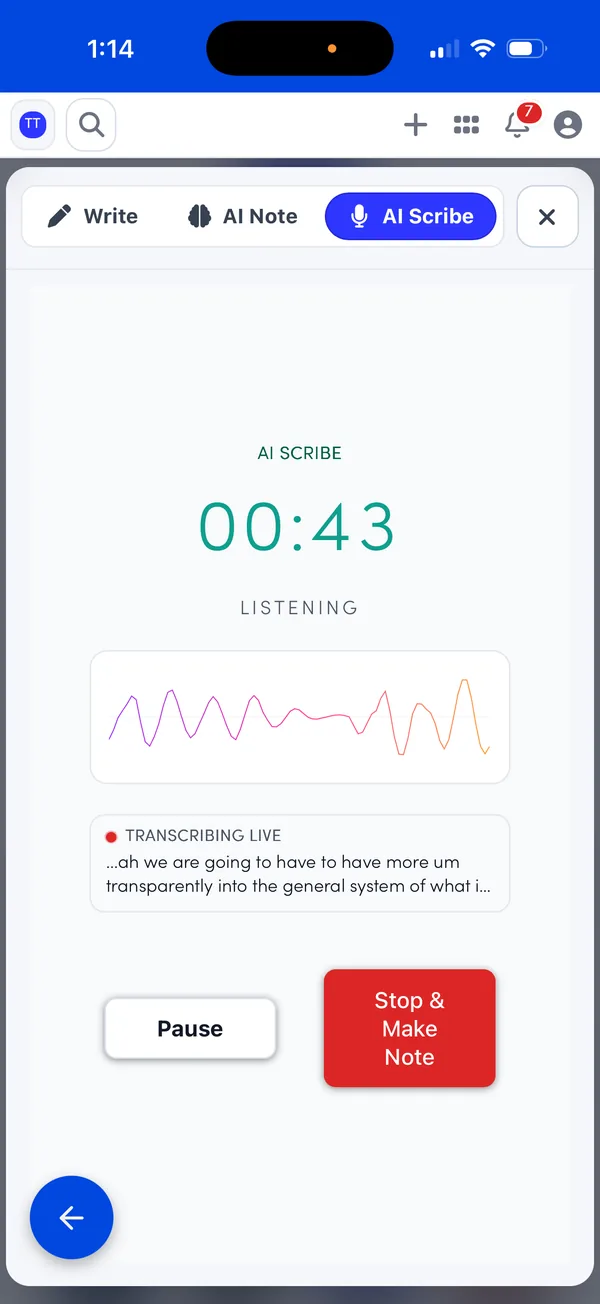
AI Scribe
From conversation to draft note.
Keep your eyes on the patient. EMRDesk listens with consent and hands you a structured draft to finish.
- 01
Consent
Confirm the patient agrees before the scribe starts listening.
- 02
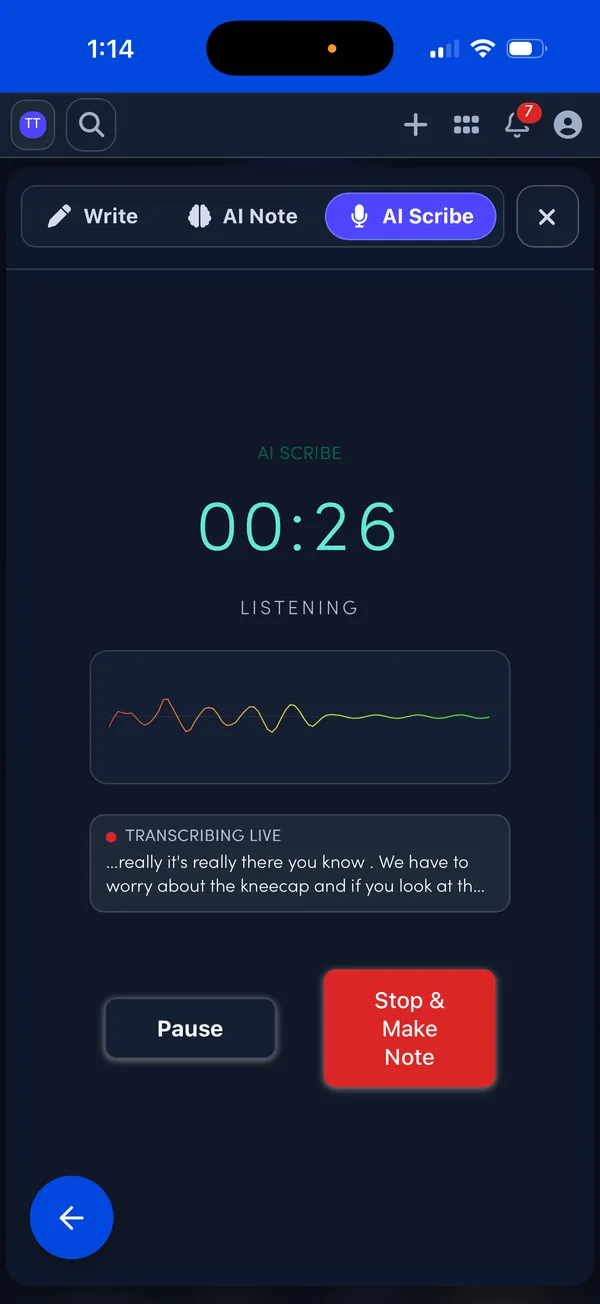
Listen
EMRDesk transcribes the visit live and labels who's speaking.
- 03
Draft
A structured draft note lists missing information and safety flags, with follow-ups and code candidates.
- 04
Review and sign
The draft stays read-only until you edit it in Notes Studio and sign.
Transcription works for English-language visits.
Every AI tool
15 tools, one chart.
Write less. Review more.
Draft notes, letters, and care plans from a few words or a recording, then edit them like any other note.
AI ScribeEnglish-language visits
Records the visit with consent and drafts a structured note for you to edit and sign.
AI Note
Describe the visit in a few words to get a full draft. Keep chatting to revise it, then send it to the editor.
Inline AI
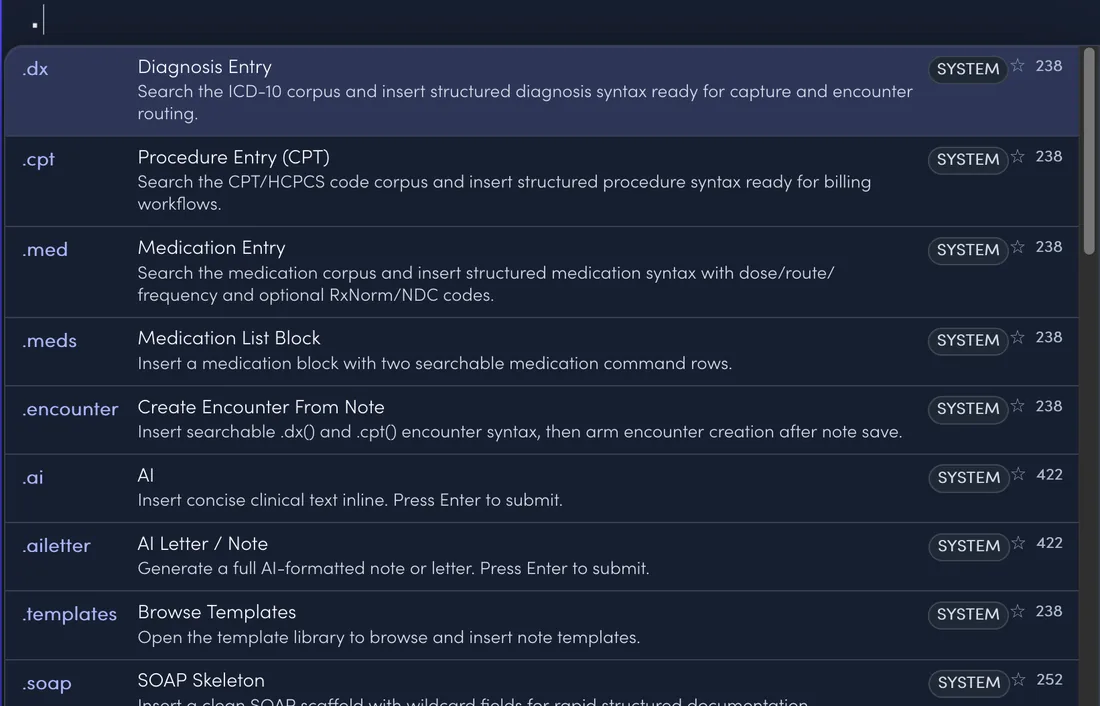
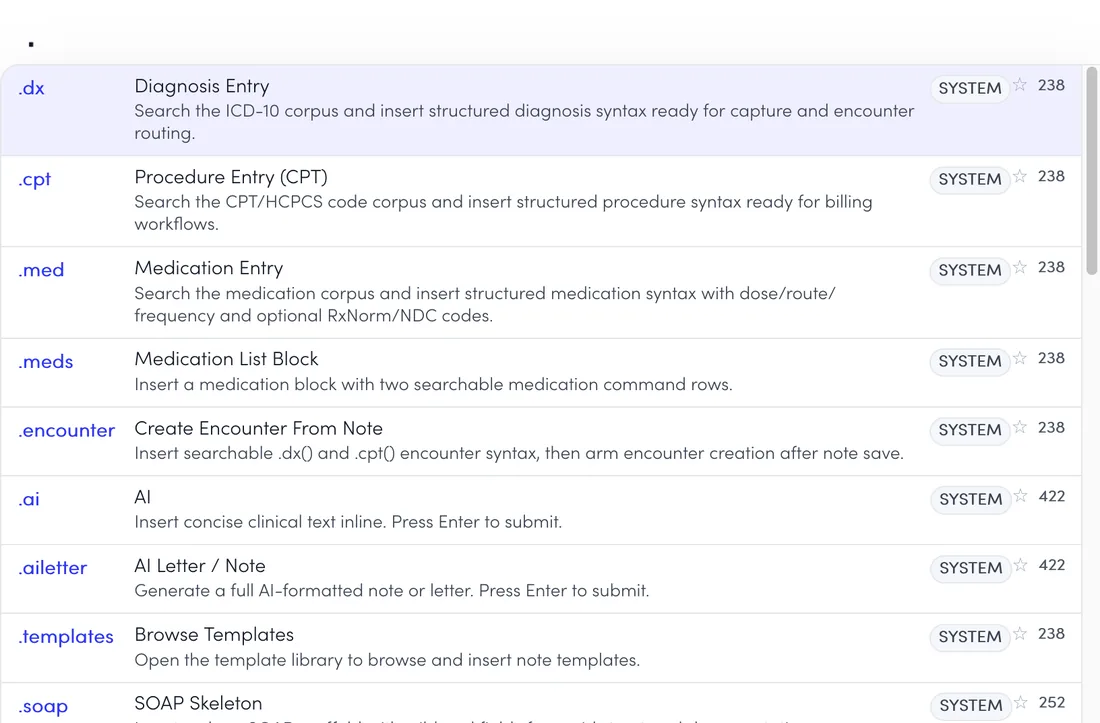
Type .ai and a request while writing. AI writes in place, using the note so far and your smart phrases.
Live dictationEnglish
Speak instead of typing, and your words appear in the note as you talk.
Care plan suggestions
Suggested wording for goals, problems, and interventions, based on the assessment and chart. Use only what you pick.
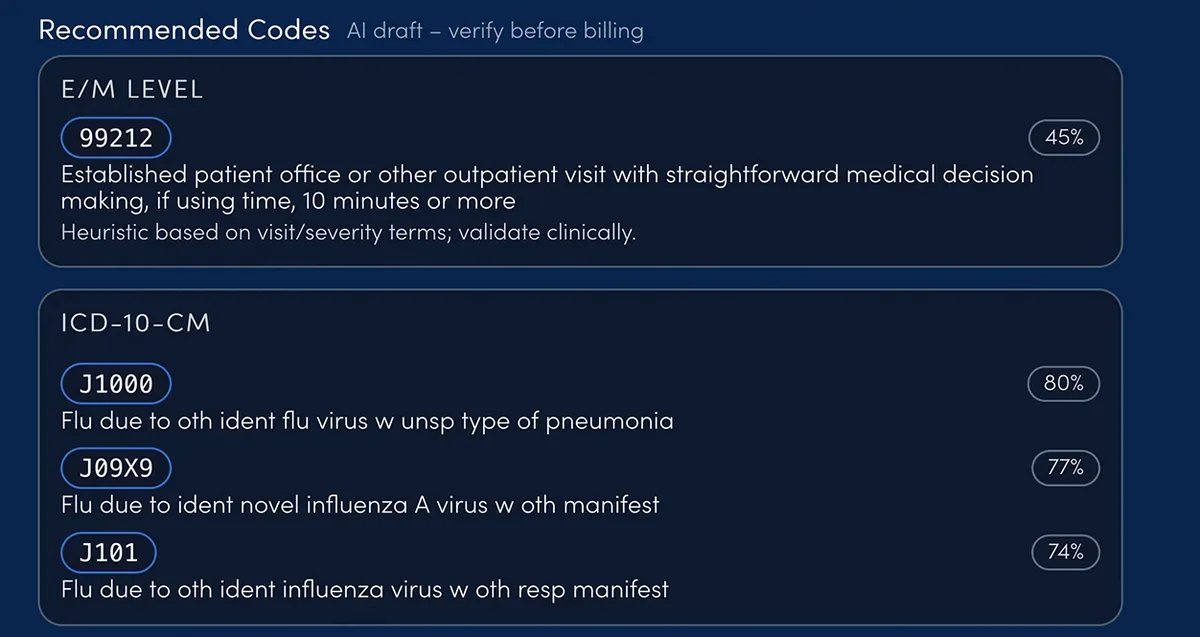
Codes suggested from the note.
Suggestions arrive as drafts with a confidence level. Nothing is added until you click it.
Code suggestions
Up to five ICD-10-CM and five CPT codes from the note, with an E/M level for office and telehealth visits and a confidence level on each.
Ask AI about a code
From Codes Explorer, ask questions about an ICD-10, CPT, or HCPCS code.
Snap the card. Skip the typing.
AI reads photos of IDs, insurance cards, and intake forms into the patient form. Every field stays editable, and nothing is saved until staff save the patient.
AI Photo Upload
Photograph a license, ID, insurance card, or printed intake form to prefill a new patient. A roster photo becomes one row per patient to review.
Photo autofill on intake forms
On your online intake form, patients can upload an ID or insurance card photo to fill in their details, then review and submit.
Candidate findings, ready for your review.
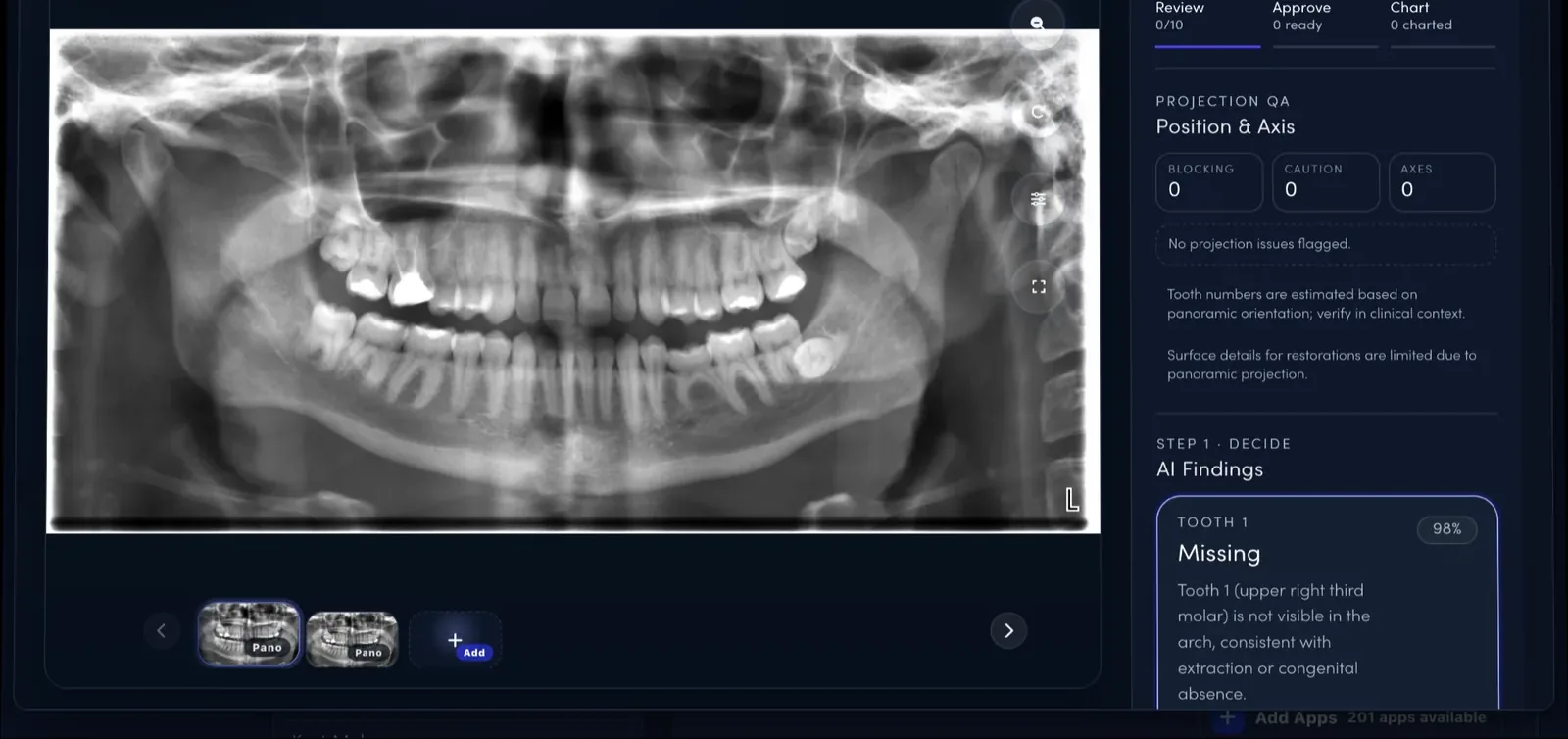
AI marks what it sees as candidates. You approve, reject, or correct each one before it reaches the chart.
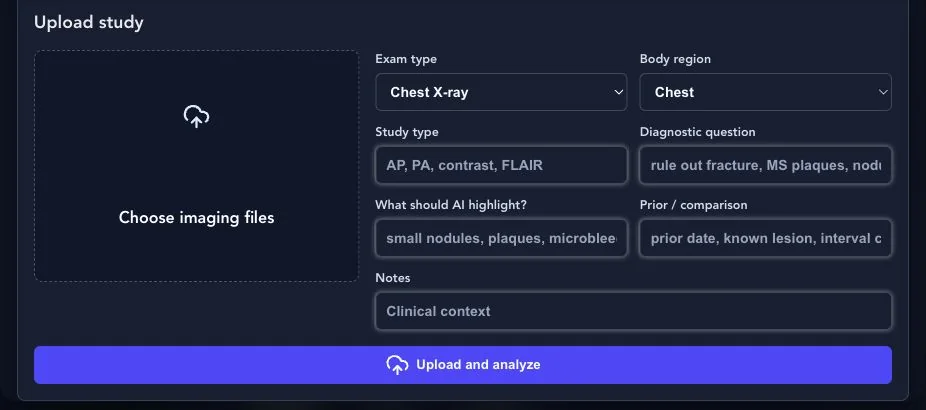
AI imaging review
Upload an image or DICOM study, including X-ray, CT, MRI, and ultrasound. AI boxes candidate findings for you to approve, reject, correct, or chart.
Dental radiograph findings
On bitewings, periapicals, and panoramics, AI proposes tooth-by-tooth candidates with suggested CDT codes and flags image-quality problems. Approved findings chart to the odontogram.
Summaries that keep up with the chart.
Short AI summaries and flags appear where you already work, so the next person catches up fast.
Summaries and flags
Saved notes, encounters, assessments, and claims get a short summary, with flags like follow-up or labs pending and suggested codes you can add.
Chart snapshot
A short AI snapshot of the patient's chart sits at the top of the patient view.
Healthcheck briefing
A practice briefing in Command Center: what changed, follow-ups to schedule, claims to fix, and FYI, linked to each patient.
EMRDesk AgentEarly beta
A workspace assistant that finds patients, opens apps, drafts follow-ups, and checks for missing chart data. Anything that changes records waits for your approval.
You stay in control
AI assists. Clinicians decide.
Drafts, codes, and findings all pass through a review step, so the chart says what you meant it to say.
Drafts wait for you
AI notes stay drafts until a clinician edits and signs them.
Consent comes first
AI Scribe asks you to confirm patient consent before it records.
Suggestions, not decisions
Codes, care-plan wording, and imaging findings go in only when you accept them.
On every plan
AI tools are included on every plan, including Free, with no AI add-on.